
Let's Encrypt and ACME on OPNsense: Free TLS Certificates for All Your Internal Services
Deploy Let's Encrypt on OPNsense with the os-acme-client plugin: DNS-01 Cloudflare challenge, wildcard *.botum.ca certificate, HAProxy/Nginx/Docker distribution, automatic renewal and alerting.
1. Why TLS Even for Internal Services?
Most administrators skip TLS on the internal network: "nobody can intercept LAN traffic anyway". This is a critical mistake. Here's why:
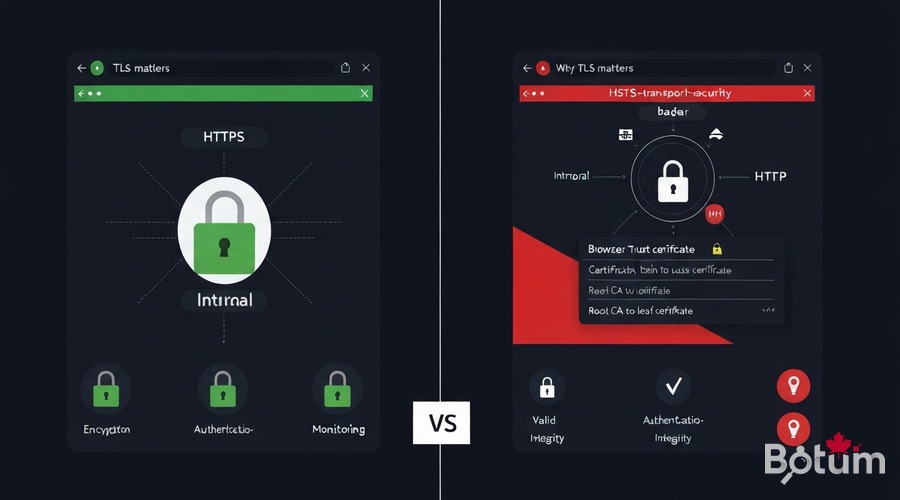
- HSTS (HTTP Strict Transport Security): modern browsers refuse HTTP connections to domains that previously responded over HTTPS. Without internal TLS, your services become unreachable after a first HTTPS visit.
- Browser trust: "invalid certificate" security warnings train users to ignore alerts — making them vulnerable to real attacks.
- Internal Zero-Trust: an attacker on the IoT VLAN (Episode 2) can intercept unencrypted traffic. Internal TLS = defense in depth.
- APIs and webhooks: Grafana, Wazuh, AdGuard Home expose APIs. Without TLS, authentication tokens travel in plaintext.
- Let's Encrypt = free: the OPNsense ACME plugin automates everything — no economic reason to skip it.
2. Installing the os-acme-client Plugin on OPNsense
The os-acme-client plugin is available directly in the OPNsense plugin manager. It integrates the acme.sh ACME client and natively manages Let's Encrypt.
# Via OPNsense Web UI:
# System > Firmware > Plugins > search "acme"
# Install: os-acme-client
# Restart OPNsense after installation

# Menu available under:
# Services > ACME Client > Settings / Accounts / Certificates / Automations

# Create ACME account:
# Services > ACME Client > Accounts > Add
Name        : botum-letsencrypt
E-Mail      : admin@botum.ca
ACME Server : Let's Encrypt (production)
              https://acme-v02.api.letsencrypt.org/directory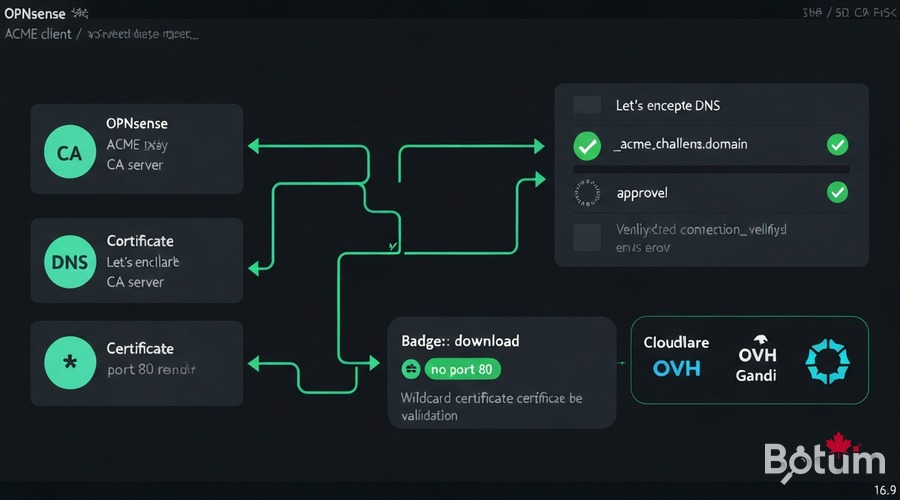
3. Domain Validation: DNS Challenge Without Port 80
The DNS-01 validation is the only method that works without exposing port 80 publicly — essential for internal services and wildcard certificates.
# Cloudflare — minimal API token (recommended):
# Cloudflare Dashboard > My Profile > API Tokens > Create Token
# Permissions: Zone > DNS > Edit | Zone: Specific zone > botum.ca

# OPNsense > Services > ACME Client > Challenge Types > Add
Name          : cloudflare-dns
Challenge     : DNS-01
DNS Service   : Cloudflare
CF_Token      : [your-cloudflare-api-token]
CF_Account_ID : [your-account-id]

# OVH: OVH_AK / OVH_AS / OVH_CK / OVH_ENDPOINT : ovh-ca
# Gandi LiveDNS: GANDI_LIVEDNS_KEY : [Gandi API key]
4. Generating a Wildcard Certificate *.botum.ca
A wildcard certificate covers all subdomains: grafana.botum.ca, wazuh.botum.ca, adguard.botum.ca. One certificate, centralized renewal.
# Services > ACME Client > Certificates > Add
Name               : wildcard-botum-ca
Common Name        : *.botum.ca
Challenge Type     : cloudflare-dns
Key Length         : 4096 bit (or ec-384 for ECDSA)
Auto Renew         : enable
Renew before (d)   : 30

# Click "Issue / Renew" — the ACME plugin will:
# 1. Contact Let's Encrypt
# 2. Create DNS TXT record _acme-challenge.botum.ca via Cloudflare API
# 3. Let's Encrypt validates the TXT record
# 4. Certificate downloaded and stored in OPNsense
# 5. TXT record automatically deleted

# Verify: System > Trust > Certificates
# -> wildcard-botum-ca with ~90 days expiry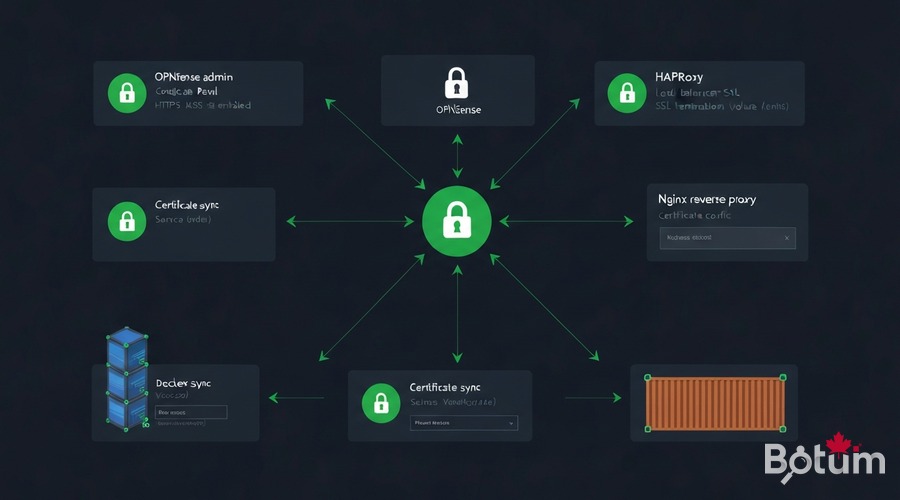
5. Distributing the Certificate: OPNsense, HAProxy, Nginx, Docker
5.1 OPNsense Web UI
# System > Settings > Administration
SSL Certificate : wildcard-botum-ca
# -> Admin UI switches to valid HTTPS, accessible via https://fw.botum.ca/
5.2 HAProxy (reverse proxy)
# Services > HAProxy > Settings > HTTPS Frontend
SSL Certificates : wildcard-botum-ca
SSL offloading   : enable
# HAProxy handles TLS termination for all backend services
5.3 Nginx + Docker
# Post-renewal automation in OPNsense:
# Services > ACME Client > Automations > Add
Name    : deploy-to-nginx
Command : /usr/local/sbin/deploy_cert_nginx.sh

# Docker Compose — mount certificate as volume:
services:
  grafana:
    volumes:
      - /opt/certs/botum.ca.crt:/etc/grafana/ssl/cert.pem:ro
      - /opt/certs/botum.ca.key:/etc/grafana/ssl/key.pem:ro
    environment:
      GF_SERVER_PROTOCOL: https
      GF_SERVER_CERT_FILE: /etc/grafana/ssl/cert.pem
      GF_SERVER_CERT_KEY: /etc/grafana/ssl/key.pem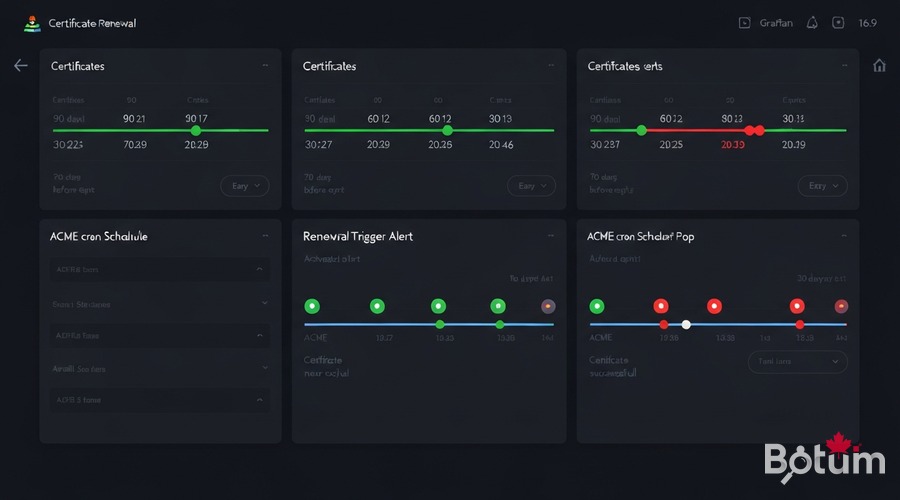
6. Automatic Renewal (Native ACME Cron)
The plugin includes a native cron that automatically renews certificates 30 days before expiry. Let's Encrypt issues certificates valid for 90 days.
# Services > ACME Client > Settings
# [x] Enable Cron Job
# Run interval : Daily
# Scheduled at : 03:30

# Check ACME logs:
tail -100 /var/log/acme.log | grep -E "SUCCESS|ERROR|Renew"
7. Expiry Alerting (Monitoring Integration from Episode 9)
#!/bin/bash
# /opt/scripts/check_cert_expiry.sh
TELEGRAM_TOKEN="[token]"
TELEGRAM_CHAT="-1001234567890"
WARN_DAYS=14 ; CRIT_DAYS=7

for cert in grafana.botum.ca wazuh.botum.ca adguard.botum.ca fw.botum.ca; do
    EXPIRY=$(echo | openssl s_client -connect ${cert}:443 -servername ${cert} 2>/dev/null              | openssl x509 -noout -enddate 2>/dev/null | cut -d= -f2)
    DAYS_LEFT=$(( ($(date -d "$EXPIRY" +%s) - $(date +%s)) / 86400 ))
    [ $DAYS_LEFT -le $CRIT_DAYS ] &&         curl -s "https://api.telegram.org/bot${TELEGRAM_TOKEN}/sendMessage"              -d "chat_id=${TELEGRAM_CHAT}&text=CRITICAL: Cert ${cert} expires in ${DAYS_LEFT} days!" > /dev/null
done

# Prometheus ssl_exporter alert rule:
# expr: ssl_cert_not_after - time() < 86400 * 14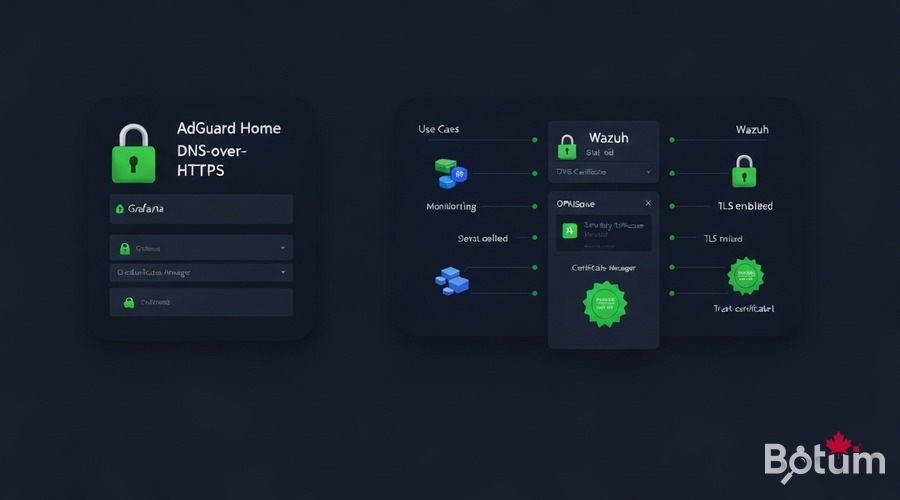
8. Use Cases: AdGuard DoH, Grafana, Wazuh Dashboard
8.1 AdGuard Home DNS-over-HTTPS (Episode 8)
# AdGuard Home > Settings > Encryption Settings
Enable encryption : Yes
Server name       : adguard.botum.ca
DNS-over-HTTPS    : https://adguard.botum.ca/dns-query
TLS certificate   : /etc/adguard/ssl/botum.ca.crt
Private key       : /etc/adguard/ssl/botum.ca.key
8.2 Grafana (Episode 9)
# grafana.ini
[server]
protocol       = https
cert_file      = /etc/grafana/ssl/cert.pem
cert_key       = /etc/grafana/ssl/key.pem
domain         = grafana.botum.ca
root_url       = https://grafana.botum.ca/
enforce_domain = true
8.3 Wazuh Dashboard (Episode 11)
# /etc/wazuh-dashboard/opensearch_dashboards.yml
server.ssl.enabled: true
server.ssl.certificate: /etc/wazuh-dashboard/certs/wazuh-dashboard.pem
server.ssl.key: /etc/wazuh-dashboard/certs/wazuh-dashboard-key.pem
# Replace self-signed certs with botum.ca.crt / botum.ca.key
# systemctl restart wazuh-dashboard
9. Conclusion
With Episode 14, all services in the BOTUM OPNsense Stack are secured with a valid TLS certificate, automatically renewed, with zero manual intervention:
- os-acme-client — Native OPNsense plugin, Let's Encrypt integration
- DNS-01 challenge — Validation without port 80, Cloudflare/OVH/Gandi support
- Wildcard *.botum.ca — One certificate for all subdomains
- HAProxy + Nginx + Docker — Automated post-renewal distribution
- Native ACME cron — Automatic renewal 30 days before expiry
- Telegram + Prometheus alerting — Proactive expiry monitoring
Coming next → Episode 15 (final): Netflow + ntopng on OPNsense — real-time network traffic analysis, the last episode of the series!
Téléchargez ce guide en PDF pour le consulter hors ligne.
⬇ Télécharger le guide (PDF)🚀 Aller plus loin avec BOTUM
Ce guide couvre les bases. En production, chaque environnement a ses spécificités. Les équipes BOTUM accompagnent les organisations dans le déploiement, la configuration avancée et la sécurisation de leur infrastructure. Si vous avez un projet, parlons-en.
Discuter de votre projet →
