
Physical Security for Your Infrastructure: From Faraday Cages to Home Data Centers
Physical security guide: DIY Faraday cage, rack security, LUKS encryption, Frigate cameras. Protect your home data center.
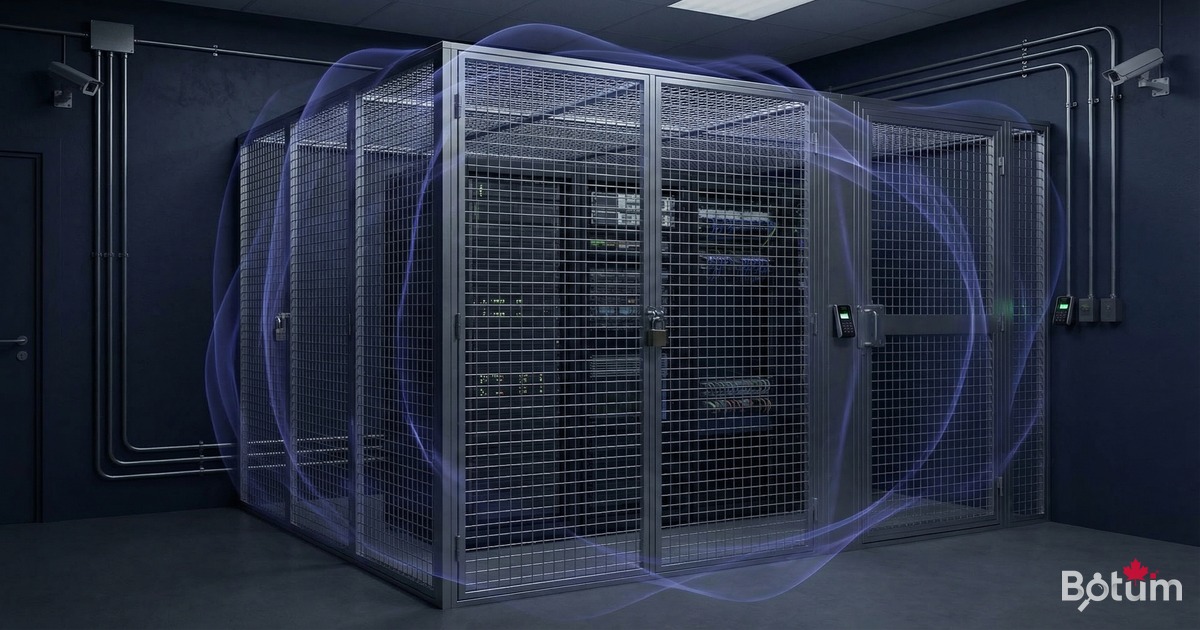
We secure servers with firewalls, VPNs, intrusion detection — but we often forget that the threat can be physical. Physical access to a server is often game over for all software security measures. This guide covers complete physical security: from Faraday cages to home data centers, including access procedures, EMF protection, and recovery after a physical incident.
Why Is Physical Security Often Overlooked?
Because logical threats are visible in logs and metrics. A physical intrusion generates no network logs. I've seen companies with excellent cybersecurity postures whose main server was accessible to any employee in the building, or even to contractors. That's a fundamental contradiction.
- Physical access = total access: an attacker with physical access can boot from USB, extract drives, or install a hardware keylogger
- Evil maid attack: discrete hardware modification while you're away
- Cold boot attack: extracting encryption keys from RAM after a forced reboot
- Shoulder surfing: observing credentials typed on a keyboard
- Supply chain: hardware compromised before it even reaches you
The Faraday Cage: Theory and Practice
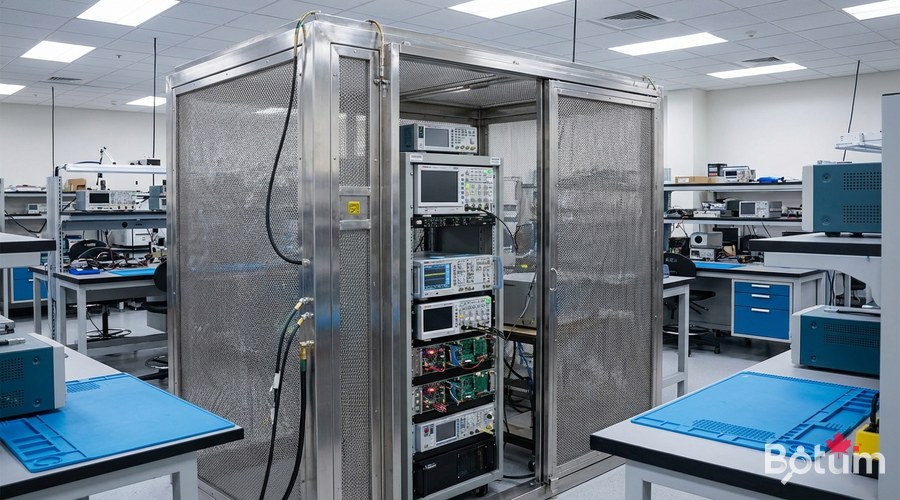
A Faraday cage is a conductive enclosure that blocks electromagnetic fields. In IT security, it prevents radio signal attacks (Wi-Fi, Bluetooth, 4G, compromising emanations) and protects against electromagnetic pulses (EMP).
When to Use a Faraday Cage?
- Storing sensitive hardware (backup drives, encrypted USB keys, HSMs)
- Transporting equipment containing sensitive data
- Protection against TEMPEST attacks (remote reading of EM emissions)
- Natural EMP protection (lightning) or intentional EMP in high-risk environments
- Digital forensics labs (isolating seized phones)
# Testing a DIY Faraday cage
# Materials: metal box (cookie tin, Faraday tent...)
# Simple test:
# 1. Call your smartphone from another phone
# 2. Place it inside the closed cage
# 3. Call again:
#    - Phone rings → cage doesn't block
#    - Goes straight to voicemail → cage works
#
# For professionals: TEMPEST-certified Faraday cage
# Standards: MIL-STD-461, IEC 61000-4-20
Server Room Security
Physical Access Control
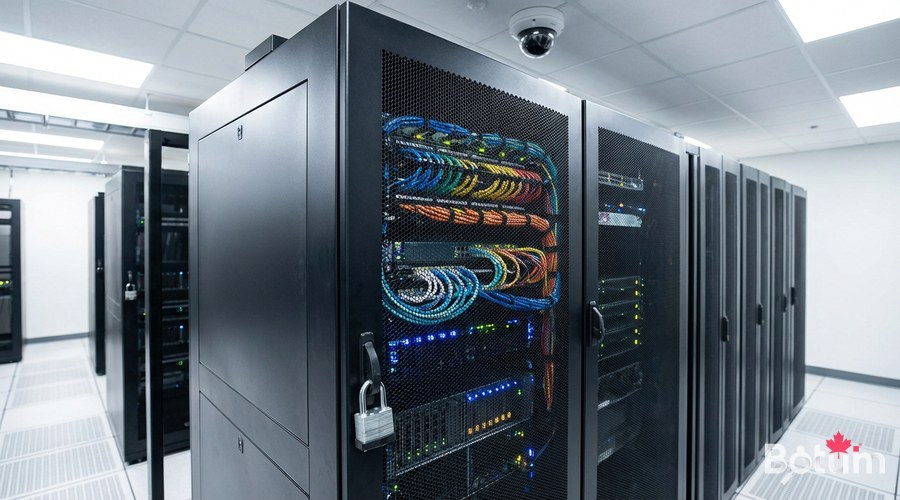
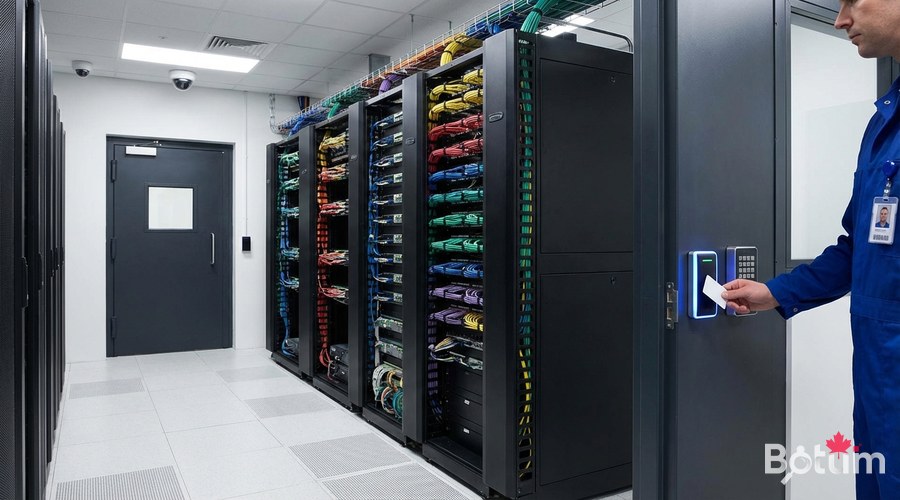
- Door: badge + PIN code lock (physical two-factor). Avoid mechanical keys alone
- Server rack: logged padlock (Digilock, Traka...) or locked rack
- IP camera: cover both the door AND inside the rack (30-day recording minimum)
- Motion detector + alarm: trigger alert outside business hours
- Access log: who can enter, when, for what. Reviewed quarterly
- Visitors: never left alone in the server room. Escort mandatory
Hardware Protection — Essential Measures
#!/bin/bash
# /usr/local/bin/hardware-inventory.sh
echo "=== HARDWARE INVENTORY $(date) ==="
dmidecode -t system | grep -E "(Manufacturer|Product|Serial)"
lsblk -o NAME,SIZE,TYPE,SERIAL,MODEL
dmidecode -t memory | grep -E "(Size|Serial|Part)"
ip link show | grep -E "^[0-9]|link/ether"
lsusb
# Sign with SHA256
sha256sum /var/log/hardware-inventory-$(date +%Y%m%d).txt
Disk Encryption with LUKS
# Encrypt a disk or existing partition
# ⚠️ This operation ERASES all data on the disk
sudo apt install -y cryptsetup

# Encrypt (e.g., /dev/sdb for a data disk)
sudo cryptsetup luksFormat /dev/sdb
# → Enter a strong passphrase (minimum 25 characters)

# Open the encrypted volume
sudo cryptsetup open /dev/sdb encrypted_data

# Create a filesystem
sudo mkfs.ext4 /dev/mapper/encrypted_data

# Mount
sudo mount /dev/mapper/encrypted_data /mnt/data

# Check LUKS info
sudo cryptsetup luksDump /dev/sdb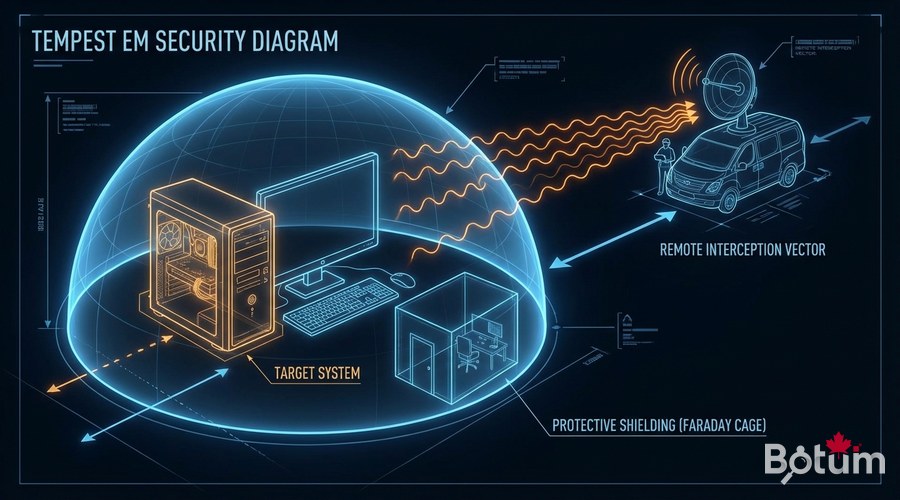
Secure Physical Backup
#!/bin/bash
# Encrypted backup to external drive
BACKUP_DISK="/dev/sdc"
BACKUP_MOUNT="/mnt/external-backup"

# Decrypt and mount
cryptsetup open "$BACKUP_DISK" backup_external
mount /dev/mapper/backup_external "$BACKUP_MOUNT"

# Backup with restic (deduplication + encryption)
restic -r "$BACKUP_MOUNT/backup-$(date +%Y%m%d)" backup /data/important   --password-file /root/.restic-password

# Verify integrity
restic -r "$BACKUP_MOUNT/backup-$(date +%Y%m%d)" check

# Unmount cleanly
umount "$BACKUP_MOUNT"
cryptsetup close backup_external
Disaster Recovery After a Physical Incident
# Business Continuity Plan (BCP) — minimum requirements
# Documentation to maintain and test quarterly:

# 1. Hardware inventory with serial numbers (photographed)
# 2. Restoration procedure from cloud/offsite backups
# 3. Credential access: vault (Bitwarden, 1Password) accessible offsite
# 4. Hardware supplier contacts (warranties, advance replacements)
# 5. Team/client communication procedure for outages

# Annual test recommendation:
# - Simulate complete server loss
# - Time the restoration from backups
# - Document gaps vs RTO objective (Recovery Time Objective)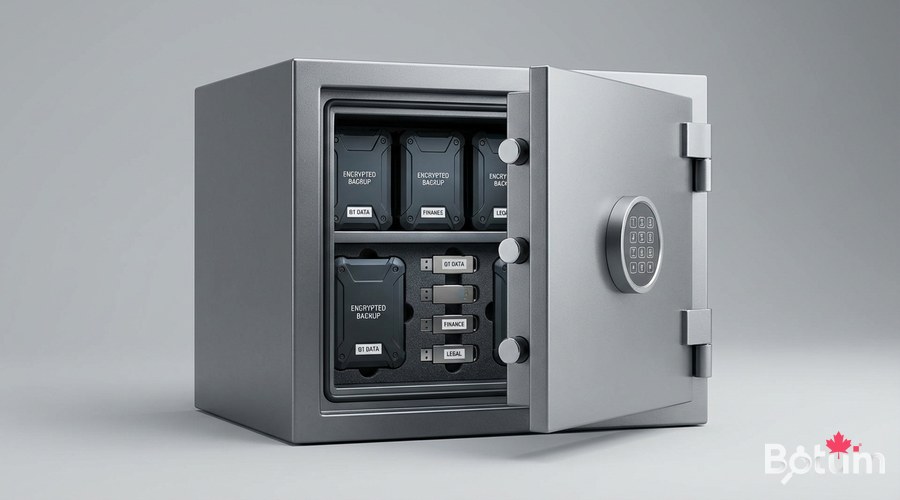
Complete Physical Security Checklist
- ✅ Server room: locked door (badge + code), up-to-date access list
- ✅ Racks: locked, organized cabling
- ✅ Cameras: installed covering access points and rack interiors
- ✅ Disks: LUKS encryption enabled on all data-containing drives
- ✅ Backups: at least one offsite copy, tested monthly
- ✅ BIOS/UEFI: boot password, locked boot order (no USB boot without password)
- ✅ USB ports: disabled physically or logically on critical servers
- ✅ Network cables: labeled, no free accessible network ports
- ✅ Inventory: hardware cataloged with serial numbers, updated on every change
Next Steps
- Conduct a physical audit using the checklist above
- Implement LUKS encryption on all production servers
- Test your business continuity plan with a total loss simulation
- Train your team on physical risks (social engineering, tailgating)
- Consider ISO 27001 certification if your context warrants it
Download this guide as a PDF to read offline.
⬇ Download the guide (PDF)🚀 Aller plus loin avec BOTUM
Ce guide couvre les bases. En production, chaque environnement a ses spécificités. Les équipes BOTUM accompagnent les organisations dans le déploiement, la configuration avancée et la sécurisation de leur infrastructure. Si vous avez un projet, parlons-en.
Discuter de votre projet →
