
NetFlow + ntopng — Network Traffic Analysis on OPNsense
Analyze network traffic in real time with NetFlow and ntopng on OPNsense: softflowd plugin setup, ntopng dashboards, top hosts, behavioral anomaly detection and security alerting.
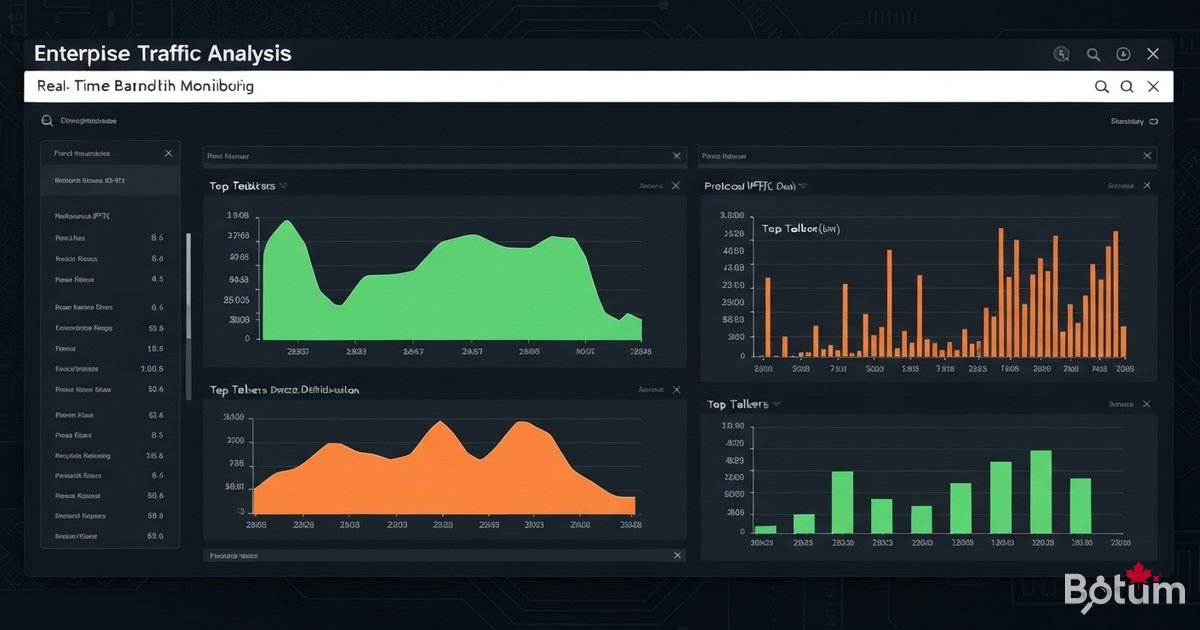
BOTUM presents Article 15 of the OPNsense Enterprise Stack series: deploying NetFlow + ntopng for complete network traffic visibility. Identify top talkers, detect behavioral anomalies, and run compliance audits — without capturing a single payload byte.
This article is part of the OPNsense Enterprise Stack series. Find all articles on the OPNsense Enterprise Stack Hub.
Understanding NetFlow and IPFIX
NetFlow is a protocol developed by Cisco for collecting metadata about IP flows traversing a network device. Unlike full packet capture (pcap), NetFlow records only headers: source/destination IP, port, protocol, bytes, packets, and duration. IPFIX (IP Flow Information Export) is the IETF standardization of NetFlow v9. OPNsense supports both formats via the softflowd plugin.
Performance impact: < 2% CPU on OPNsense, NetFlow data < 1% of actual traffic. What NetFlow gives you: top talkers, protocol distribution (TCP/UDP/HTTP/DNS), geographic analysis, anomaly detection (port scans, exfiltration, botnet C2), compliance auditing.
Enabling the NetFlow Plugin on OPNsense
OPNsense uses softflowd to export NetFlow/IPFIX flows. Install from System → Firmware → Plugins → os-softflowd. Configuration: Services → NetFlow → Settings.
Key settings: Interface(s) WAN/LAN/VLANs, Collector IP (ntopng address), Collector Port 2055, IPFIX version recommended, Idle timeout 60s.
Installing ntopng on a Dedicated Server (LXC/VM)
ntopng Community Edition is free. Deploy on a dedicated Proxmox LXC (2 vCPU, 4 GB RAM, 50 GB SSD).
apt install -y wget gnupg2
wget https://packages.ntop.org/apt/ntop.key && apt-key add ntop.key
echo "deb http://packages.ntop.org/apt/22.04/ amd64/" > /etc/apt/sources.list.d/ntop.list
apt update && apt install -y ntopng nprobe redis-server
systemctl enable --now redis-server ntopng nprobe
Configuring ntopng as a NetFlow Collector
File /etc/ntopng/ntopng.conf: --community --interface=eth0 --http-port=8080 --data-dir=/var/lib/ntopng --no-promisc --zmq tcp://127.0.0.1:5556. For nprobe: --collector-port 2055 --zmq tcp://127.0.0.1:5556.
In ntopng interface: Settings → Preferences → Interfaces → add ZMQ interface. Verify flow counter is incrementing.
ntopng Dashboard: Top Talkers, Protocols, Geolocation
Main views: Dashboard (bandwidth, top apps), Hosts (volumes, country, OS), Flows (real-time), Alerts (anomalies), Traffic Analysis (L7 DPI, ASN, geo).
Alert thresholds: host > 100 Mbps for 60s → critical alert, DNS > 1000 req/min → possible DNS tunneling, connection to blacklisted country → immediate alert.
Behavioral Alerts and Anomaly Detection
ntopng Community includes a behavioral detection engine: Flow Alerts (malicious IPs), Host Alerts (port scans, exfiltration), Network Alerts (bandwidth thresholds). Native webhook integration (Telegram/Slack) and syslog export to Wazuh available out of the box.
Data Retention and Performance Tuning
Sizing: 1,000 active hosts at 100 Mbps ≈ 2 GB/day, 30 days retention ≈ 60 GB SSD. Redis + RRD files, automatic rotation. For high-bandwidth: softflowd sampling 1:10 (-s 10) and BPF filtering for WAN traffic only.
Use Cases: Network Forensics and Troubleshooting
Bandwidth saturation: Dashboard → Top Hosts → sort by Total Traffic → identify the offending host in 30 seconds. Suspicious lateral movement: internal host contacting 50+ IPs on port 445 in < 5 min = infection indicator. Immediate isolation via OPNsense API. Compliance audit: monthly verification of flows to unauthorized countries via ntopng Geo Map.
Conclusion
NetFlow + ntopng transforms OPNsense into a complete visibility probe. You know exactly who is doing what on your network, in real time and historically. Investment: free plugin + 4 GB RAM LXC + 2-3 hours. Return: faster troubleshooting and incidents detected before they become crises.
Téléchargez ce guide en PDF pour le consulter hors ligne.
⬇ Télécharger le guide (PDF)🚀 Aller plus loin avec BOTUM
Ce guide couvre les bases. En production, chaque environnement a ses spécificités. Les équipes BOTUM accompagnent les organisations dans le déploiement, la configuration avancée et la sécurisation de leur infrastructure. Si vous avez un projet, parlons-en.
Discuter de votre projet →
