
AdGuard Home and DNS over HTTPS with OPNsense: DNS Filtering and Privacy
Deploy AdGuard Home on Proxmox, enable DNS over HTTPS with OPNsense, and force all your VLANs to use a filtered DNS resolver. Complete guide with blocklists and DNS bypass prevention.
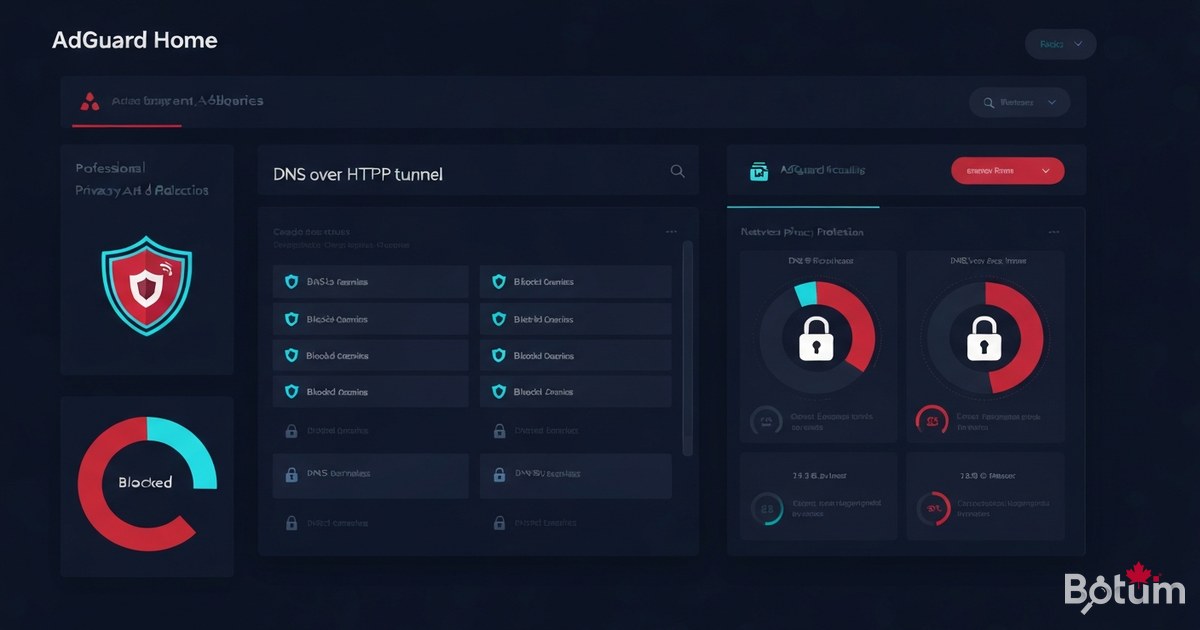
DNS is the internet's phonebook. Every time you type an address in your browser, your network makes a DNS query to translate that domain name into an IP address. This invisible process is one of the most exploited and least protected attack vectors in home and enterprise networks. In this eighth post of our OPNsense series, I'll show you how to deploy AdGuard Home, configure DNS over HTTPS (DoH), and force all your VLANs to use a private, filtered DNS resolver.
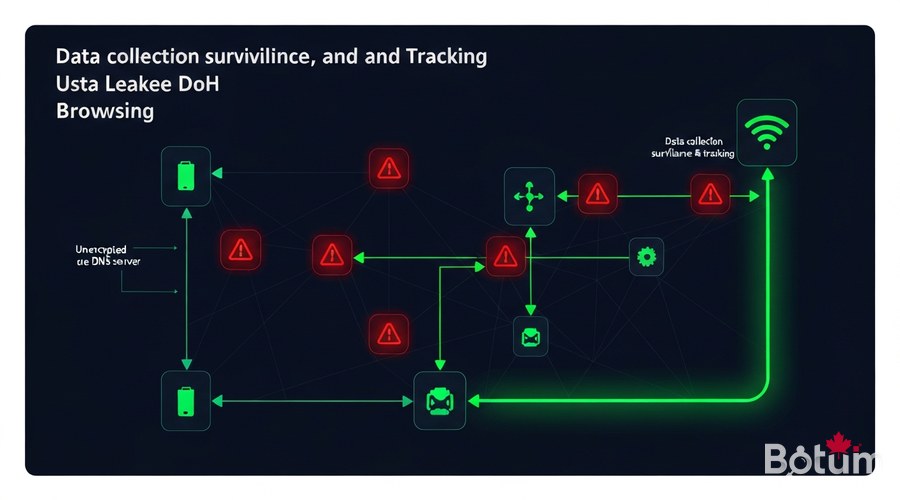
Why DNS Is the Weakest Link
By default, DNS queries travel in plaintext over port 53. This means:
- Your ISP sees every domain you visit, even when HTTPS is enabled. The domain name is resolved before the TLS session is established.
- Advertisers and trackers use dedicated subdomains (pixel.tracking.com, cdn.analytics.io) that your DNS resolver resolves without any filtering.
- Malware often uses DNS for command-and-control (C2) communication via regular DNS queries — or even DoH to bypass firewalls.
- DNS hijacking is a classic technique: an ISP or attacker redirects your queries to their own servers to inject advertising or monitor your activity.
The solution: a local DNS resolver that filters unwanted domains before they are resolved, and encrypts outbound queries to trusted providers via DNS over HTTPS.
AdGuard Home vs Pi-hole — Honest Comparison
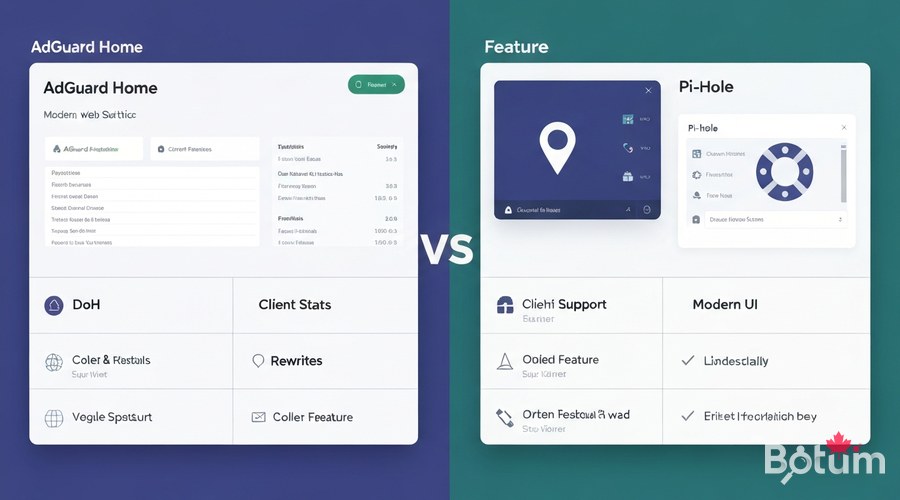
Both are local DNS resolvers with blocklist filtering. Key differences:
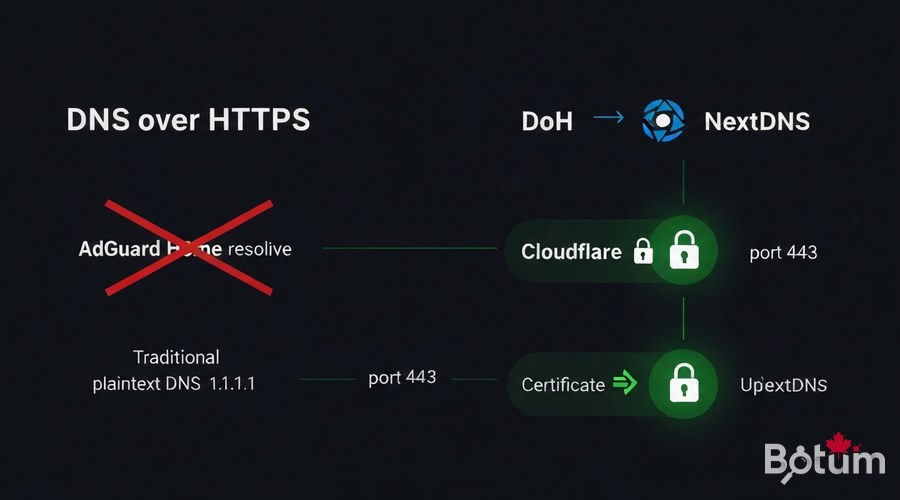
- DNS over HTTPS: AdGuard Home includes it natively — no need to install dnscrypt-proxy like Pi-hole requires.
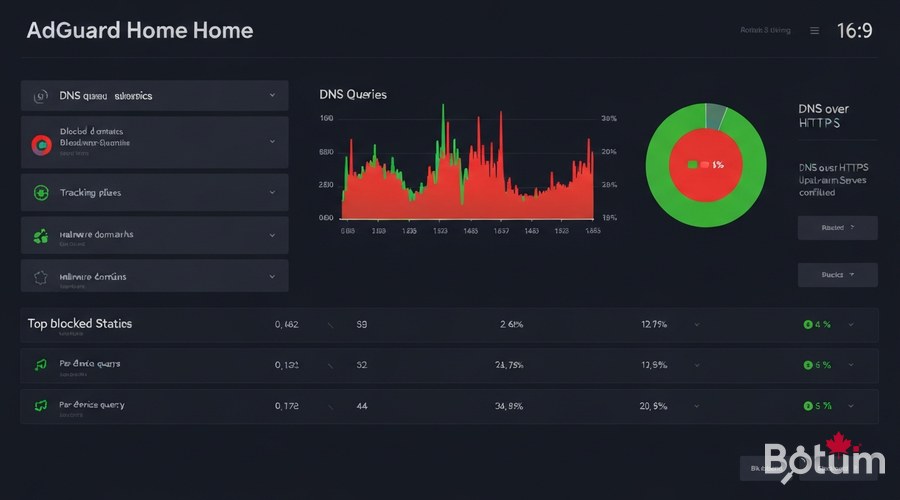
- Web interface: AdGuard Home offers a modern dashboard with detailed per-client stats and real-time blocklist management.
- Per-device stats: AdGuard Home identifies each client by name and IP, displaying its queries individually.
- DNS rewrites: Both support DNS rewrites, but AdGuard handles it through the GUI without editing config files.
- Community: Pi-hole has an older, larger community. AdGuard Home is actively maintained by AdGuard.
My choice for new deployments: AdGuard Home, primarily for native DoH support and more detailed per-client statistics.
Installing AdGuard Home on Proxmox
Option A — Docker Compose (recommended)
mkdir -p /opt/adguardhome/{work,conf}

cat > /opt/adguardhome/docker-compose.yml << 'EOF'
version: '3.8'
services:
  adguardhome:
    image: adguard/adguardhome:latest
    container_name: adguardhome
    restart: unless-stopped
    network_mode: host
    volumes:
      - ./work:/opt/adguardhome/work
      - ./conf:/opt/adguardhome/conf
EOF

cd /opt/adguardhome
docker compose up -d

# Setup wizard: http://YOUR-VM-IP:3000
The network_mode: host option lets AdGuard Home listen directly on the VM's network interface without Docker NAT.
Option B — LXC Container on Proxmox (native)
curl -fsSL https://static.adguard.com/adguardhome/release/AdGuardHome_linux_amd64.tar.gz   | tar -xz -C /opt/

cd /opt/AdGuardHome
./AdGuardHome -s install

systemctl status AdGuardHome
# http://LXC-IP:3000
Critical step: assign a static IP to your AdGuard Home VM/LXC in OPNsense's static DHCP leases.
Configure OPNsense to Redirect DNS
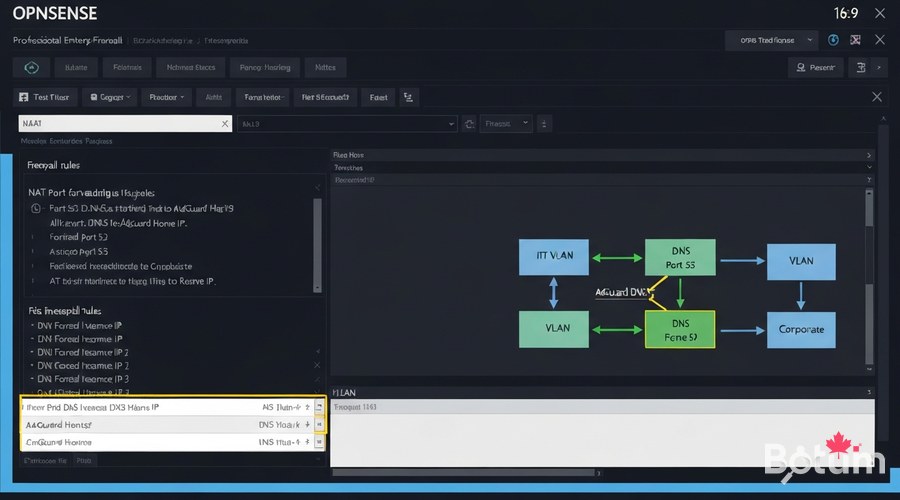
Disable Unbound DNS or point it to AdGuard
- Disable Unbound and use AdGuard Home directly: Services > Unbound DNS > General > uncheck Enable.
- Chain Unbound → AdGuard: configure Unbound to use AdGuard Home as upstream (recommended for local DNS resolutions).
NAT Rule — Force All DNS to AdGuard
# Firewall > NAT > Port Forward > Add
# Repeat for each VLAN

Interface     : LAN (then VLAN_IOT, VLAN_GUEST, etc.)
Protocol      : TCP/UDP
Destination   : ! 192.168.1.x   (Invert — everything except AdGuard)
Dest. port    : 53
Redirect IP   : 192.168.1.x     (AdGuard Home IP)
Redirect port : 53
Description   : Force DNS to AdGuard Home
The "!" before the IP is critical — it means "any destination EXCEPT AdGuard Home".
Enable DNS over HTTPS (DoH)
In the AdGuard Home interface: Settings > DNS Settings > Upstream DNS servers
# Cloudflare DoH (fast, reliable)
https://cloudflare-dns.com/dns-query

# NextDNS (customizable)
https://dns.nextdns.io/YOUR-ID

# Quad9 (security-focused)
https://dns.quad9.net/dns-query

# Mullvad DNS (no-log)
https://base.dns.mullvad.net/dns-query
Parallel Mode for Performance
# Settings > DNS Settings
# Load-balancing strategy: Parallel requests
Also enable DNSSEC in Settings > DNS Settings to validate DNS response signatures.
Recommended Blocklists
- AdGuard DNS filter — Main list: ads + malware. Updated daily.
- OISD Big — 150,000+ domains: ads, tracking, malware. Very comprehensive.
- Hagezi Pro — Specialized in aggressive tracking. Recommended for professional environments.
- Steven Black Hosts — Very stable baseline. Combines ads + malware.
- Malware Domain List — Active malicious domains, frequently updated.
- IoT Blocklist — Blocks telemetry from connected devices.
Start with 2-3 lists. A block rate of 15-30% is normal.
Force DNS on All VLANs
# For IoT VLAN
Interface     : VLAN_IOT
Protocol      : TCP/UDP
Source        : VLAN_IOT net
Destination   : ! 192.168.x.x
Dest. port    : 53
Redirect IP   : 192.168.x.x
Redirect port : 53

# Repeat for VLAN_GUEST, VLAN_DMZ
Block Direct DoH (Bypass Prevention)
# Alias DNS_Public: 1.1.1.1, 8.8.8.8, 9.9.9.9
# Rule: Block TCP port 443 to DNS_Public on IoT/Guest VLANs
Monitoring and Dashboard
- DNS Queries today: Total query volume with hourly graph.
- Blocked by filters: Percentage of queries blocked by your lists.
- Top clients: Most active devices on your network.
- Top blocked domains: Often reveals problematic applications.
- Query log: Real-time log with status and response time.
Export to Grafana (Part 9 Preview)
docker run -d --name adguard-exporter -e ADGUARD_HOSTNAME=192.168.1.x -e ADGUARD_USERNAME=admin -e ADGUARD_PASSWORD=password -p 9617:9617 ebrianne/adguard-exporterSummary
- Blocks ads, trackers, and malware at the DNS level for every device
- Encrypts all outbound DNS queries via DoH
- Forces all VLANs to use the filtered resolver
- Detailed per-device and per-domain statistics
Téléchargez ce guide en PDF pour le consulter hors ligne.
⬇ Télécharger le guide (PDF)🚀 Aller plus loin avec BOTUM
Ce guide couvre les bases. En production, chaque environnement a ses spécificités. Les équipes BOTUM accompagnent les organisations dans le déploiement, la configuration avancée et la sécurisation de leur infrastructure. Si vous avez un projet, parlons-en.
Discuter de votre projet →
