
Securing OpenClaw: Auth, SSL, Reverse Proxy and Vault in Production
An AI agent with access to your servers demands a rigorous security posture. BOTUM field guide: auth, HTTPS, network isolation, secrets vault, sandboxing, and Git audit — the complete checklist to deploy OpenClaw in production without compromise.
An AI agent with access to your servers, your emails, and your credentials is a real attack surface. Here's how the BOTUM team secures OpenClaw in production — from authentication to audit, through reverse proxy and secrets management.
The first two posts in this series laid the conceptual and technical foundations: what OpenClaw is, why self-hosting is essential, and how to get an operational installation in under 30 minutes. This third installment addresses the critical dimension too many teams defer: production hardening.
An agent operating autonomously on your infrastructure is not a chatbot. It can read sensitive files, execute commands, send emails. This power demands a rigorous security posture from day one — not in phase 2.
1. Why Security Is Critical Here
Most SaaS AI solutions outsource security — it's the vendor's problem. With self-hosted, it's your responsibility. And the attack surface is very real:
- The agent has filesystem access — potentially to SSH keys, tokens, configuration files
- It can execute shell commands if the corresponding skill is enabled
- It receives instructions via messaging — a channel that must be protected against prompt injection
- Its workspace is often versioned in Git — risk of secret leaks in commit history
According to an IDC 2025 study, 43% of enterprise AI security incidents involve misconfigured access controls rather than a flaw in the model itself. The attack surface isn't the LLM — it's the infrastructure around it.
2. Authentication — Who Can Talk to the Agent
The first line of defense: controlling who can send instructions to the agent. OpenClaw supports several mechanisms:
Authorized Senders
OpenClaw filters incoming messages by sender identifier (user ID, phone number, or email depending on the channel). Only explicitly authorized senders trigger processing. Messages from unrecognized sources are silently ignored — no confirmation, no response that would reveal the gateway's existence.
API Tokens
External integrations (webhooks, system scripts) authenticate via dedicated tokens. BOTUM teams apply a simple rule: one token per integration, rotation every 90 days, immediate revocation when in doubt. Tokens never transit through workspace Git environment variables.
Channel Whitelist
OpenClaw can be configured to accept instructions only from specific channels. In production, the BOTUM agent only listens on the configured private channel — any other source is blocked at the gateway level, before even reaching the runtime.
Practical rule: treat the agent like a system service account. It has broad access — its input permissions must be as restrictive as possible.
3. HTTPS and SSL — Never Expose in Plain HTTP
The OpenClaw gateway exposes a network interface. In production, this interface must never be accessible over plain HTTP. Two reasons: credentials transit through this channel, and an attacker on the local network could intercept or inject instructions.
Reverse Proxy + Let's Encrypt
The architecture recommended by BOTUM teams: a reverse proxy (Nginx or equivalent) in front of the gateway, with an automatically managed TLS certificate. The gateway itself listens locally on an unexposed port — the reverse proxy handles TLS termination and proxies to localhost.
Typical Nginx configuration:
server {
    listen 443 ssl;
    server_name agent.your-domain.com;

    ssl_certificate     /etc/letsencrypt/live/agent.your-domain.com/fullchain.pem;
    ssl_certificate_key /etc/letsencrypt/live/agent.your-domain.com/privkey.pem;

    location / {
        proxy_pass http://127.0.0.1:GATEWAY_PORT;
        proxy_set_header Host $host;
        proxy_set_header X-Real-IP $remote_addr;
    }
}
Automatic certificate renewal (certbot --renew) integrates as a system cron — zero operational cost once in place.
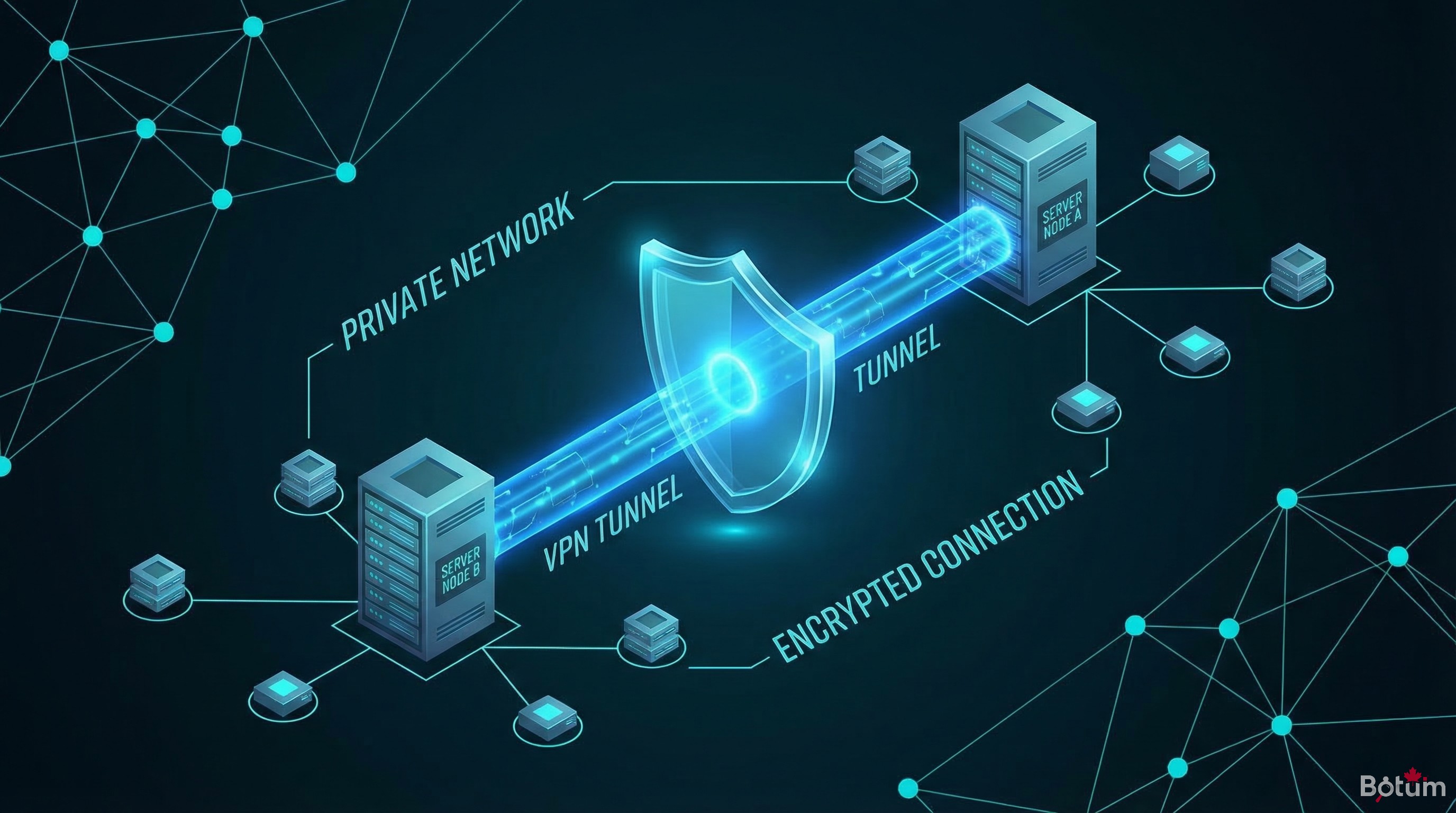
4. Network Isolation — Don't Expose to the Public Internet
The most important rule, and the one most often bypassed to "simplify deployment": the agent must not be accessible from the public internet.
The OpenClaw gateway interface doesn't need a public IP. Communication between the agent and your devices (phone, laptop) goes through your messaging app — not through a direct connection to the gateway. The gateway itself can remain entirely private.
Private Virtual Network
For teams that need access to the dashboard or monitoring endpoints, a private virtual network allows gateway access without public exposure. The agent stays on the internal network, accessible only from authorized machines connected to the private network.
This configuration drastically reduces the attack surface: an external attacker cannot reach the gateway, even knowing the server IP. The only remaining attack vectors are the messaging channels themselves — which have their own security mechanisms.
Firewall
On the host server, BOTUM teams apply a simple UFW rule set:
- Port 22 (SSH): access restricted to management IPs only
- Port 443 (HTTPS reverse proxy): accessible if a public endpoint is needed, otherwise closed
- OpenClaw gateway port: loopback only (127.0.0.1)
- Everything else: DROP by default
5. Secrets Management — The Vault Is Mandatory
This is where most homegrown deployments fail. Credentials (API tokens, passwords, SSH keys) end up in flat files, in Git history, or worse — directly in system prompts.
Dedicated Secrets Manager
BOTUM teams use a self-hosted secrets manager. All credentials are stored in this encrypted vault, accessible only via CLI with a master password or time-limited session key. The Git workspace contains no plaintext credentials — only references to vault entries.
Absolute Rules
- No credentials in the Git workspace — even in a .gitignore'd file (history keeps everything)
- No secrets in agent config files (SOUL.md, MEMORY.md, AGENTS.md)
- No tokens in system prompts — a compromised agent could exfiltrate them
- Encrypted environment variables — injected at process startup, not persisted on disk
Recommended pattern: scripts that need credentials retrieve them dynamically from the vault at execution time. Expired vault session = inaccessible credential = limited blast radius if compromised.
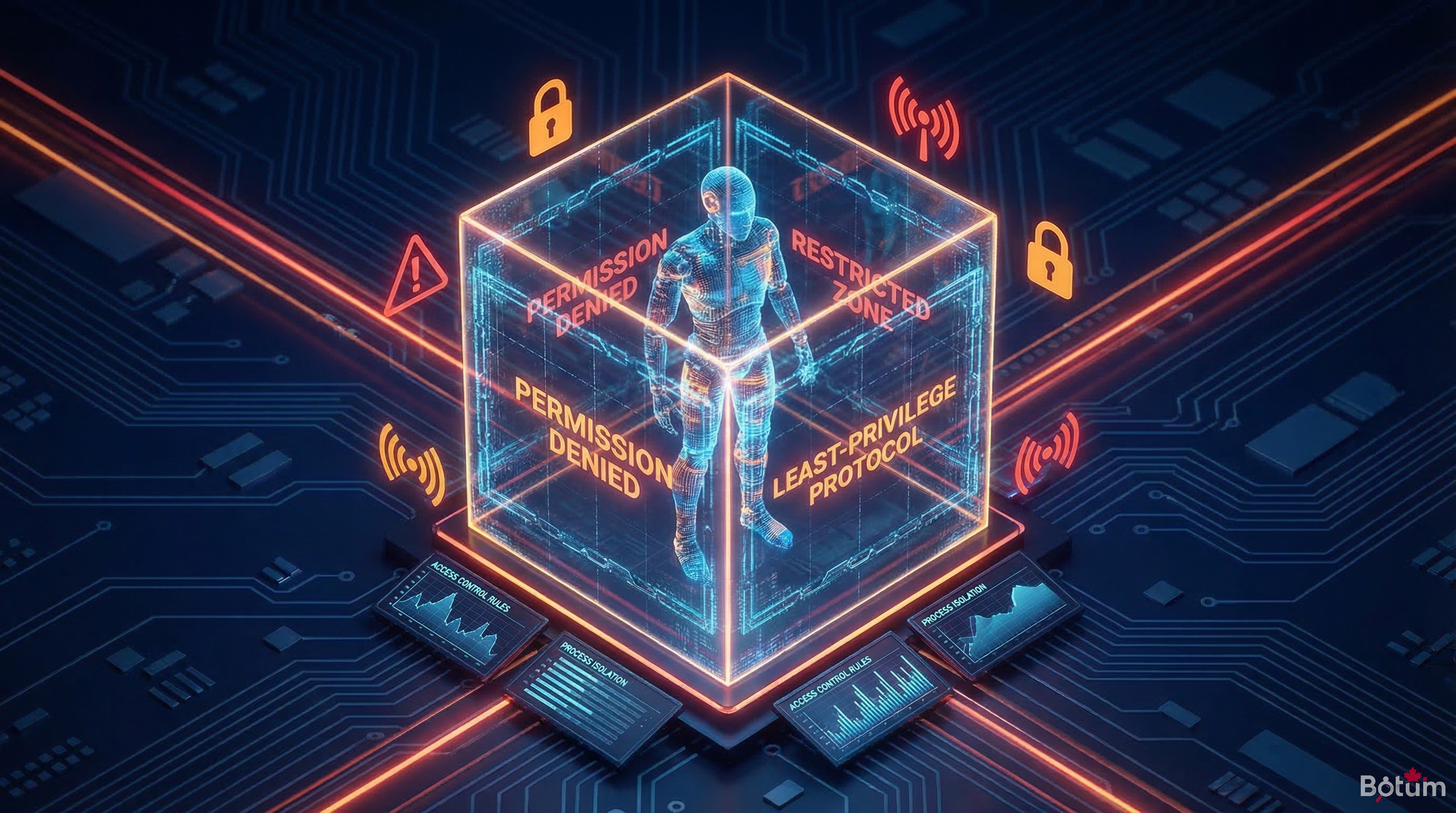
6. Sandboxing — Principle of Least Privilege
The agent doesn't need root access. It doesn't need to access all system files. It doesn't need to modify system configurations. Applying the principle of least privilege isn't perfectionism — it's what turns a partial compromise into a minor incident rather than a disaster.
Dedicated System User
OpenClaw runs under a dedicated system user (without sudo privileges) on the BOTUM server. This account has access only to the necessary directories: the workspace, logs, and data directories of activated skills. No access to system directories, other users' files, or service sockets.
Limiting Activated Skills
Each activated skill expands the agent's action perimeter. The exec skill (shell command execution) is the most powerful — and the most dangerous. BOTUM teams apply a rule: only activate skills actually in use, and explicitly document why each skill is present.
Docker Isolation
For deployments requiring the exec skill, running OpenClaw in a Docker container with explicit volume mounts adds an extra security layer. The container only sees what you mount into it — and if the agent is compromised, the blast radius stays confined to the container.
7. Audit and Logs — Native Git Traceability
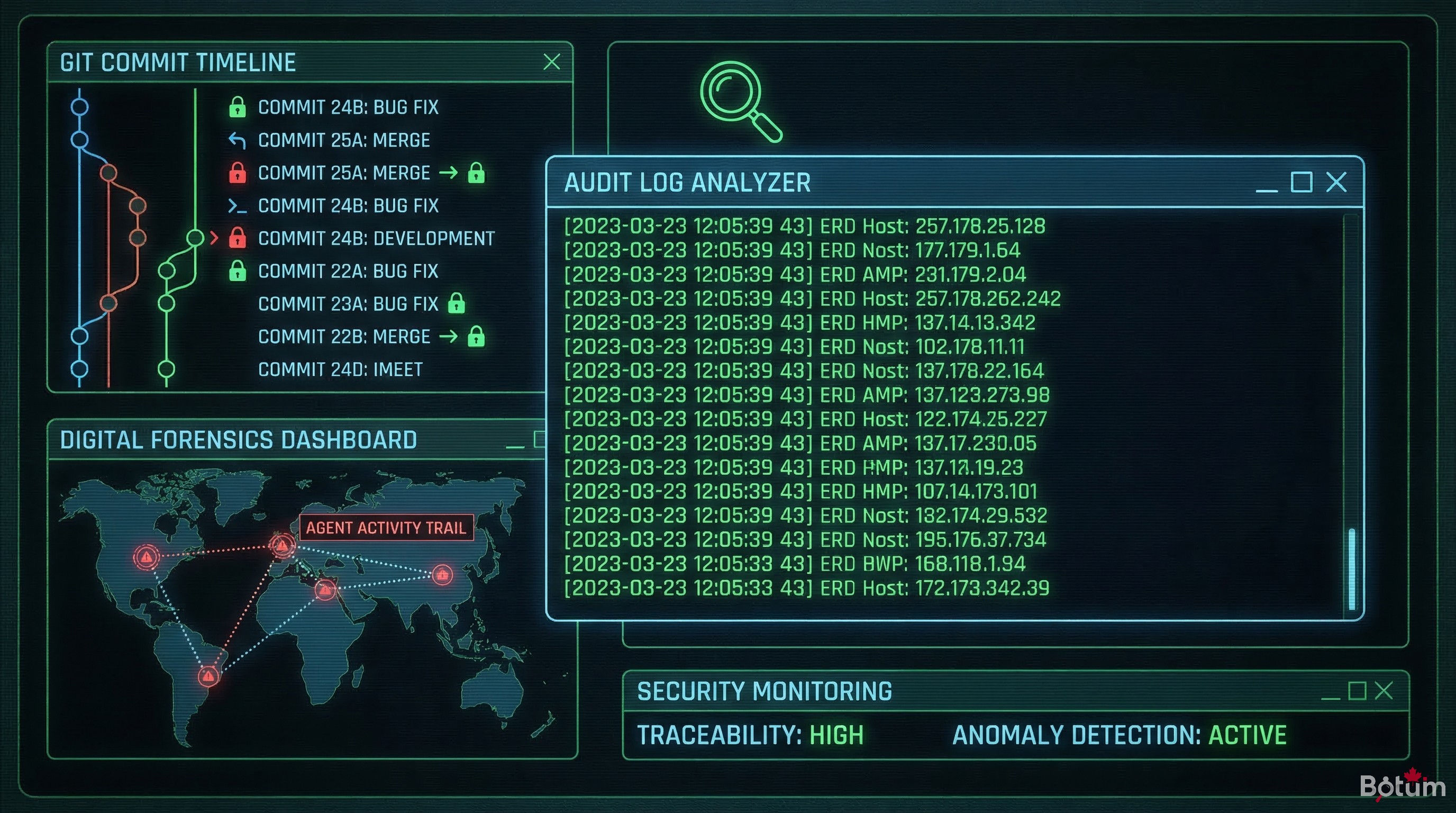
One of the underrated advantages of self-hosted OpenClaw: traceability is native. The workspace is a Git repository. Each significant agent action is committed — with timestamp, author (the agent), and commit message.
What to Monitor
- Unusual commits: modifications to configuration files, addition of keys or tokens, script creation
- Activity outside normal hours: an action at 3am deserves investigation
- Denied access attempts: in gateway logs, messages from unauthorized senders
- Abnormal API calls: unusual token consumption spikes, requests to unknown endpoints
Monitoring Integration
BOTUM teams run a cron that analyzes Git commits from the past 24 hours and generates a daily digest. If a modification touches a sensitive configuration file (credentials, whitelist, SOUL.md), an alert is automatically generated. Simple, effective, zero external dependencies.
8. Production Security Checklist
Actionable summary before any OpenClaw production deployment:
- ✅ Authorized senders configured and restricted to known identifiers
- ✅ HTTPS reverse proxy in front of the gateway (Nginx + Let's Encrypt)
- ✅ Gateway not exposed to the public internet — private network or loopback
- ✅ UFW firewall configured — only necessary ports open
- ✅ Secrets vault in place — no plaintext credentials in Git or agent files
- ✅ Dedicated system user — no sudo, minimal file access
- ✅ Skills limited to strict necessity — exec only if essential
- ✅ Git logs — commit monitoring, alerts on sensitive files
- ✅ Token rotation — scheduled (90 days max), revocation documented
- ✅ Basic penetration tests — attempt to reach the gateway from outside, verify it's impossible
Conclusion
Securing OpenClaw is not a "phase 2" task. The mechanisms described in this post aren't complex — they require an hour of initial configuration and a few rules to maintain. What's complex is recovering after an incident.
Self-hosting gives total control. That control comes with total responsibility. BOTUM teams have made this checklist a non-negotiable prerequisite for any production agent deployment — not an option.
→ Post 4: Never expose your secrets in the AI context — how to structure SOUL.md, MEMORY.md, and agent files without putting what an LLM should never see.
Download this guide as a PDF to read offline.
⬇ Download the guide (PDF)🚀 Go Further with BOTUM
This guide covers the essentials. In production, every environment has its own specifics. BOTUM teams accompany organizations through deployment, advanced configuration, and infrastructure hardening. If you have a project, let's talk.
Discuss your project →
