
Never Expose Your Secrets in AI Context: Credentials, API Keys and Vault
An AI agent needs your credentials to act — but passing them in plain text through the context is a silent catastrophe. BOTUM documents its vault + dynamic injection architecture to never expose secrets in the AI context.
An AI agent needs your credentials to act. But passing them in plain text through the context — in a MEMORY.md file, in a Telegram message — is a silent catastrophe. An attack surface most teams haven't identified yet.
The previous post in this series covered securing OpenClaw infrastructure: auth, SSL, reverse proxy. This fourth installment tackles a different, subtler, and often neglected problem: managing secrets within the AI agent's context itself.
1. The Fundamental Paradox
For an OpenClaw agent to be truly autonomous, it needs access to the services it acts on. GitHub API key to create PRs. SMTP token to send emails. Vaultwarden password to read credentials. SSH access to control a server.
The paradox: the agent needs these secrets to operate — but how you provide them is critical. Passing an API key directly in a message, hardcoding it in a workspace script, or storing it in MEMORY.md amounts to exposing it in the AI context.
And the AI context, unlike an environment variable, is an attack surface in its own right.
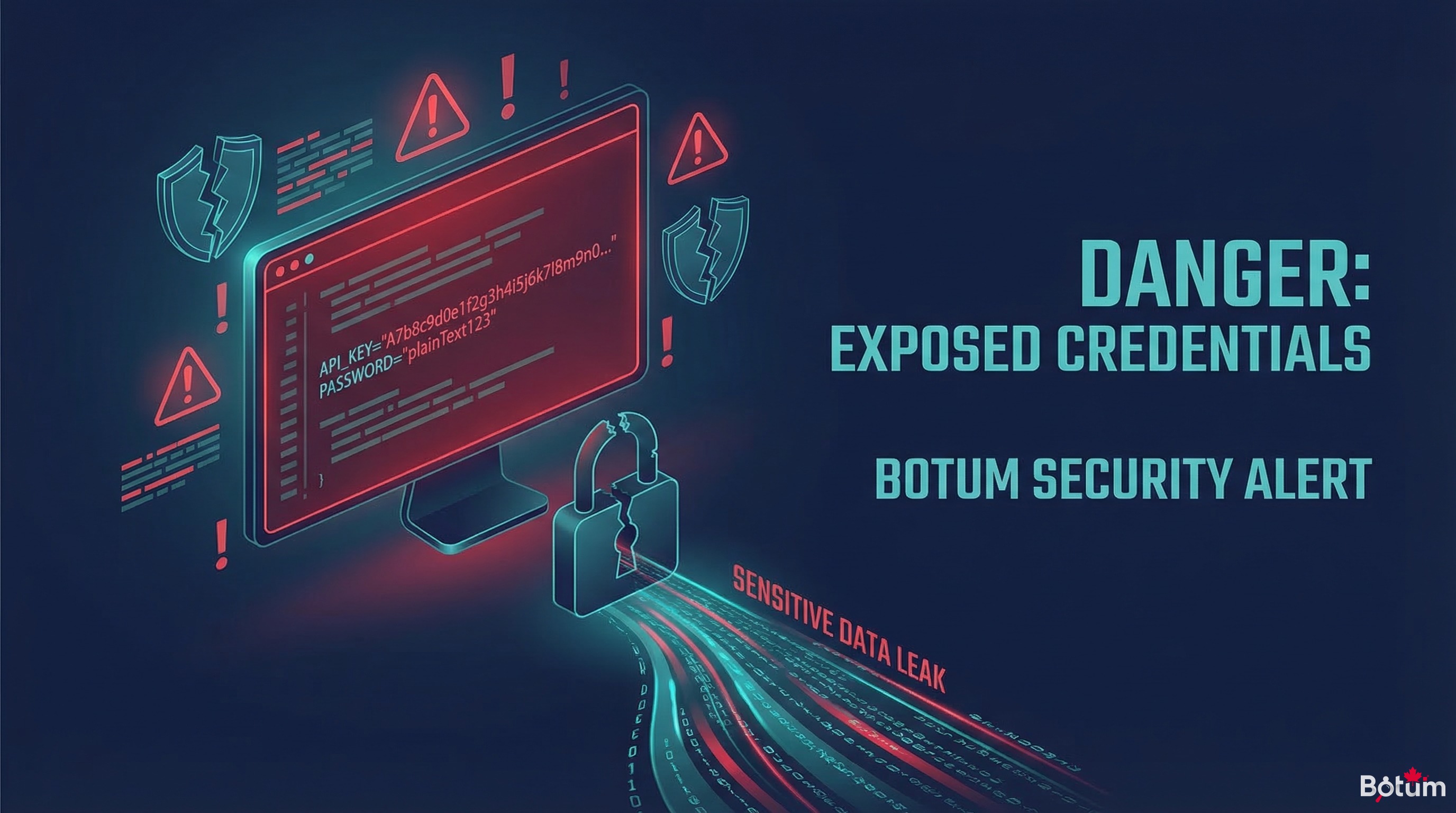
2. Why the AI Context Is an Attack Surface
Here's what makes the AI context fundamentally different from a classic environment variable:
History Logs
OpenClaw keeps conversation history. Telegram keeps message history. Ghost keeps session logs. If an API key passes through a message or a versioned workspace file, it persists in places no one thinks about. A git log becomes an exfiltration vector.
Model Responses
LLMs can reproduce — and sometimes do — data they've seen in their context. If an API key is present in context during an inference, it's not impossible for it to appear in a response, a log, or a generated artifact. This isn't theoretical: several documented incidents involve models "citing" security tokens that were sitting in their input context.
Prompt Injection
If an agent processes external content — incoming emails, web pages, GitHub issues — a malicious actor can inject instructions into that content. Those instructions can attempt to exfiltrate secrets present in the context to a remote endpoint. This is the indirect prompt injection vector, documented by OWASP in its LLM Security Top 10.
Memory Persistence
MEMORY.md, CODEX.md, state files — everything that persists in the workspace can be re-read by the agent in future sessions, or by other agents in the network. Putting a secret in a memory file exposes it to every session that reads that file.
3. Classic Mistakes — And Why They Happen
These mistakes aren't made by beginners. They happen because the line between "operational config" and "sensitive secret" isn't clearly drawn.
The API Key in MEMORY.md
Scenario: configuring the agent to send emails, providing the SMTP key in a message. The agent, to avoid asking every session, notes it in MEMORY.md. Result: the key is now in the permanent context of all sessions, in Git (if the workspace is versioned), and potentially in history logs.
The Password in a Telegram Message
Scenario: wanting the agent to access a service, sending the password via Telegram to "move fast." The message is stored on Telegram's side (third-party servers), in the OpenClaw session history, and potentially logged locally. That password is now in at least three uncontrolled locations.
Hardcoded in a Workspace Script
Scenario: a Python script in the workspace contains API_KEY = "sk-..." hardcoded. The workspace is Git. The git log retains the key even if it's later deleted. A git log -p will find it.
Credentials in Config Files
Scenario: openclaw.json, config.yaml, or any configuration file contains tokens in plain text. If that file is accidentally committed, shared, or readable by another process, secrets leak.
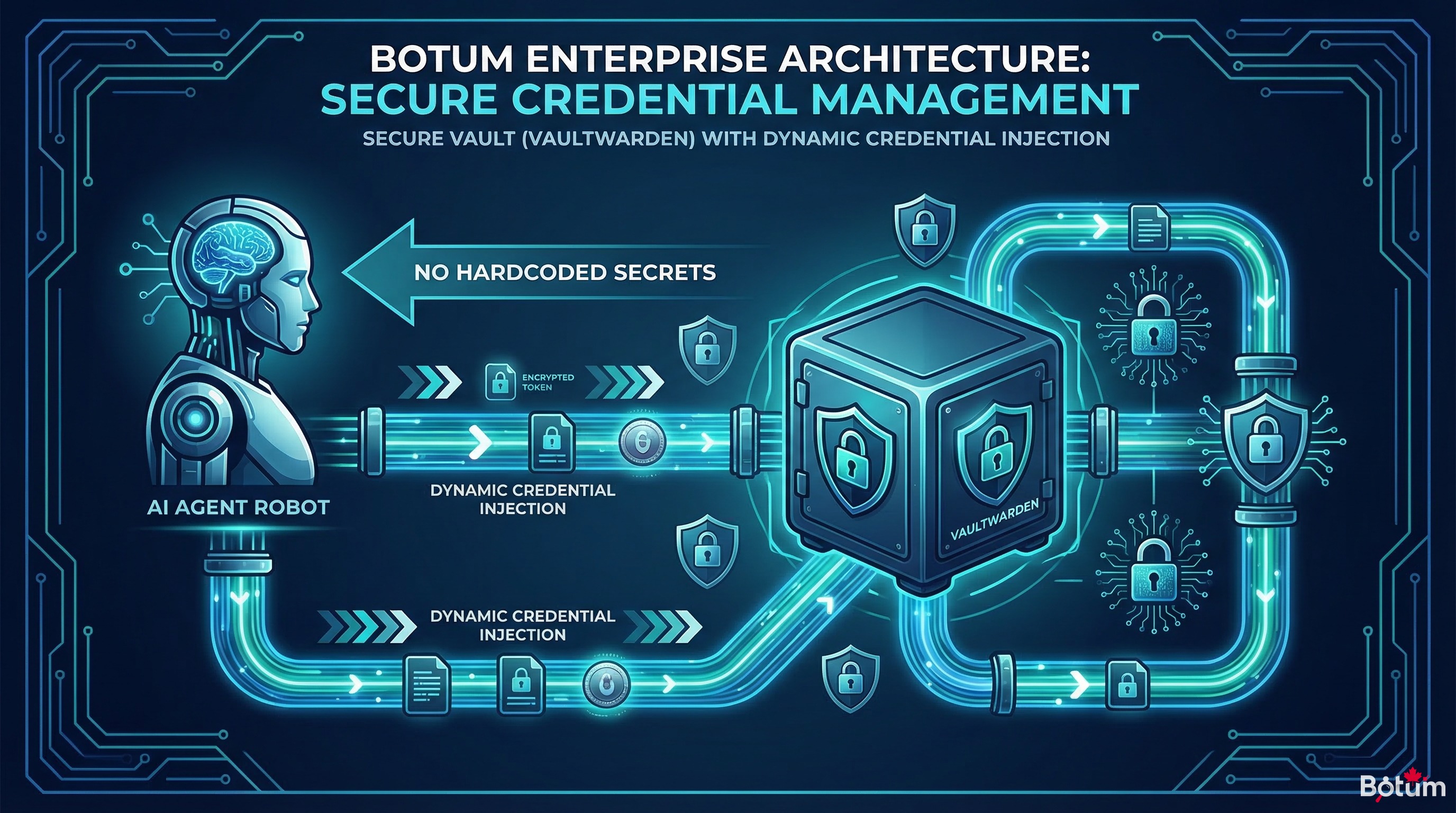
4. The Solution: Vault + Dynamic Injection
The golden rule: secrets only live in the vault and are retrieved only at execution time. Never hardcoded, never in context, never in a versioned file.
Vaultwarden / Bitwarden CLI
BOTUM uses Vaultwarden (self-hosted Bitwarden) as its central secrets manager. Each credential is stored in the vault with a unique identifier. No secret exists outside the vault.
The agent, via OpenClaw's vault skill, can retrieve a secret on demand:
bw get password "github-token-fdbot"
bw get password "smtp-openclaw"
bw get password "docker-registry-key"
This secret is immediately used in memory (shell variable, Python variable) and is never written to a file.
The Dynamic Injection Pattern
#!/bin/bash
# ✅ Good pattern: retrieval at execution time
TOKEN=$(bw get password "api-service-x")
curl -H "Authorization: Bearer $TOKEN" https://api.service-x.com/endpoint
unset TOKEN  # immediate cleanup
#!/bin/bash
# ❌ Bad pattern: hardcoded
TOKEN="sk-abc123xyz" # NEVER DO THIS
curl -H "Authorization: Bearer $TOKEN" https://api.service-x.com/endpointAutomatic Rotation
With the vault as the single source of truth, rotating a secret is trivial: change the value in Vaultwarden, and all scripts using dynamic injection automatically pick up the new value without any code modification.
5. Environment Variables vs Vault — When to Use Which
Both have their place. The rule is simple:
| Use Case | Env Variables | Vault |
|---|---|---|
| Infrastructure secrets (Docker, systemd) | ✓ Suitable | Possible |
| Secrets shared across multiple agents | ✗ Risky | ✓ Recommended |
| Frequently rotated credentials | ✗ Cumbersome | ✓ Ideal |
| Secrets injected into AI context | ✗ Avoid | ✗ Avoid |
| Ephemeral tokens (OAuth, JWT) | ✓ Suitable | Possible |
The final rule: no secret should ever be injected into the AI agent's context — neither via environment variable nor via vault. The agent invokes a tool (script, skill) that retrieves and uses the secret in isolation, without that secret transiting through the LLM's context window.
6. OpenClaw Best Practices
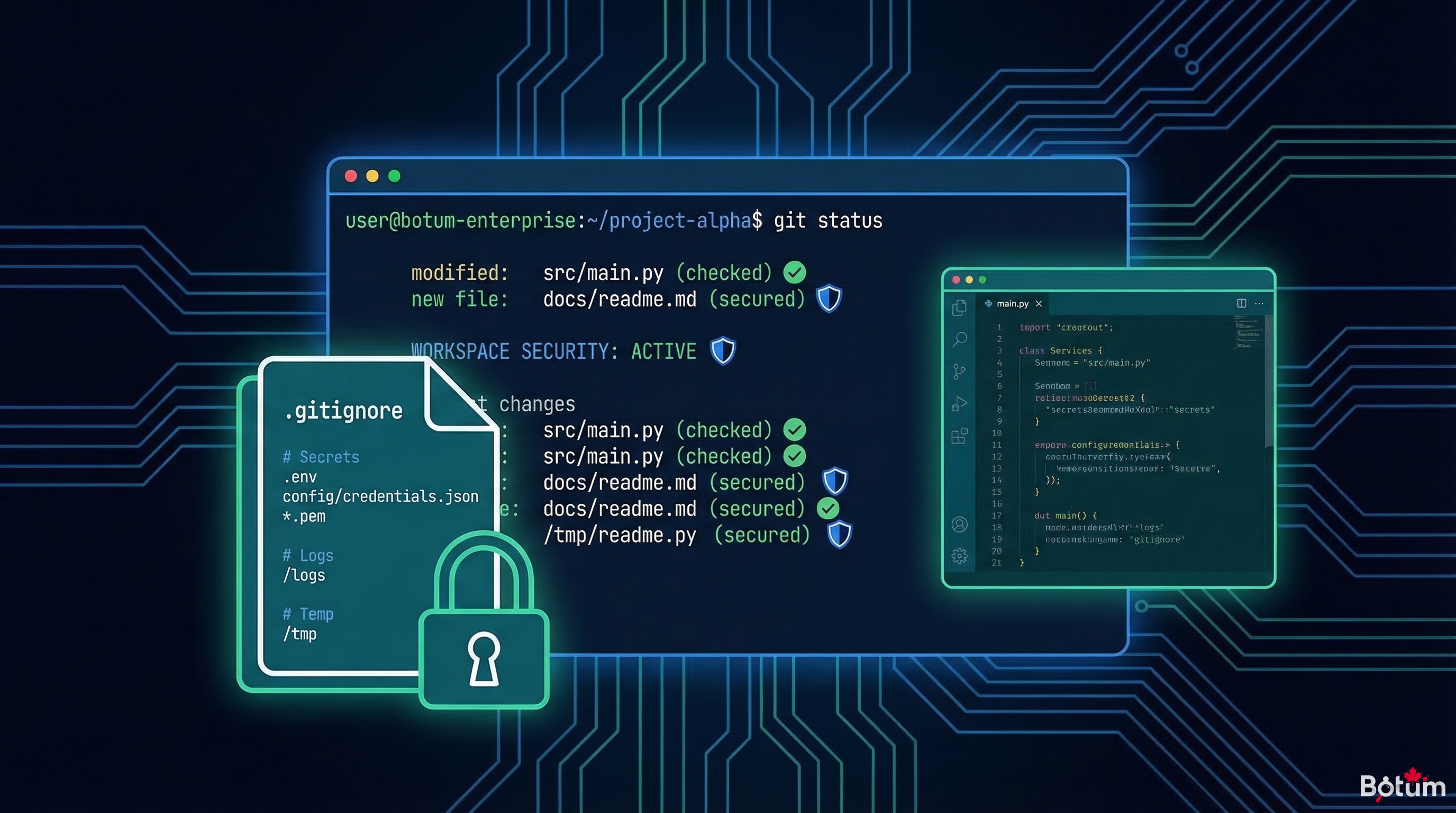
The Git Workspace: Code + Config, Never Secrets
The OpenClaw workspace is versioned by Git. Everything committed becomes permanent (even after deletion, git log retains a trace). The absolute rule:
The Git workspace never contains secrets. Never.
What can be committed: code, scripts (without credentials), configuration files without sensitive values, templates.
What must never be committed: API keys, passwords, OAuth tokens, private certificates, private SSH keys.
Strict .gitignore — The Minimum List
# Secrets — NEVER in Git
.env
.env.*
*.key
*.pem
*.p12
secrets.json
config.local.yaml
credentials.json
vaultwarden-master.txt

# OpenClaw specific
MEMORY.md           # May contain sensitive info
openclaw.json       # Sometimes contains tokens
*.session           # Sessions with history
Regular Secret Rotation
According to CyberArk's 2025 study, 68% of security incidents involving credentials relate to secrets that were never rotated. The BOTUM recommendation: rotation every 90 days for infrastructure tokens, every 30 days for high-value API access keys.
Principle of Least Privilege
Each agent receives only the permissions it strictly needs. The email agent only has access to the SMTP email account — not the full vault. The writing agent only has access to publishing APIs — not SSH credentials. Compartmentalization = limiting the impact of a compromise.
7. Real Scenario: The BOTUM Architecture
Here's how BOTUM structured secret management for its 15-agent OpenClaw network:
Layer 1: Self-Hosted Vaultwarden
A Vaultwarden instance runs on us-srv-dck-01, accessible only from the internal network. All secrets are stored there, organized by collection: infrastructure, external-apis, openclaw-agents, smtp.
Layer 2: Isolated Injection Script
Each agent has a helper script (vault-inject.sh) that:
- Connects to the vault via
bwCLI with an ephemeral session token - Retrieves the specific requested secret
- Injects it as a temporary shell variable
- Executes the action
- Immediately cleans up the variable afterward
Layer 3: No Persistence in Context
Agents have access to the names of secrets in the vault (e.g., "github-token-fdbot"), not the secrets themselves. When an action requires a credential, the agent calls the helper script — the secret never transits through the LLM context window.
Layer 4: Audit and Alerts
KNOX, the network's security agent, generates a weekly report on credential usage: which agents accessed which secrets, anomaly detection (unusual access, atypical hours), rotation reminders.
8. Checklist — 10 Rules to Never Leak a Secret
- 🔐 Every secret lives in the vault — Vaultwarden, HashiCorp Vault, or equivalent. Nowhere else.
- 🚫 Zero secrets in MEMORY.md, CODEX.md, or any workspace file — These files are persistent and read by all agents.
- 🚫 Zero secrets in Telegram/Slack/email messages — Messaging apps are not secret managers.
- 🚫 Zero hardcoded secrets in scripts — Even in local dev. Even "temporarily."
- 🔎 Exhaustive .gitignore — Include all sensitive file patterns before the first commit.
- 🔄 Dynamic injection only — The secret is retrieved and used in memory, never written.
- 🔬 Principle of least privilege — Each agent only accesses the secrets it strictly needs.
- ⏰ Rotation on schedule — 90 days for infra, 30 days for high-value APIs.
- 📊 Regular access audits — Who accessed what, when, from which agent.
- 🧹 Clean up revoked secrets — An expired or revoked token is immediately deleted from the vault.
Conclusion
Managing secrets in an AI agent network isn't a marginal problem. It's one of the most silent risk vectors in modern automation: you deploy fast, connect services, and credentials end up in places you never anticipated.
BOTUM's approach — central vault, dynamic injection, no secrets in AI context, rotation on schedule — isn't complex to implement. It requires discipline and clear conventions. But it eliminates an entire category of risks permanently.
The next post in this series gets into operational specifics: configuring the first specialized agents — JARVIS for system management, HERMÈS for email, CHRONOS for calendar — and defining coordination protocols between them.
→ Post 5: Configuring Your First Agents: JARVIS, HERMÈS, CHRONOS
📥 Download this post as PDF
Full checklist, vault architecture diagrams, injection scripts — print-ready format.
Download PDF (EN)🚀 Go Further with BOTUM
This guide covers the essentials. In production, every environment has its own specifics. BOTUM teams accompany organizations through deployment, advanced configuration, and infrastructure hardening. If you have a project, let's talk.
Discuss your project →
