
Automate Your Linux Infrastructure: Crons, Scripts and Alerts
Automate your Linux infrastructure with crons, bash scripts and Telegram alerts. Nightly backups, Docker updates, disk monitoring — practical guide.
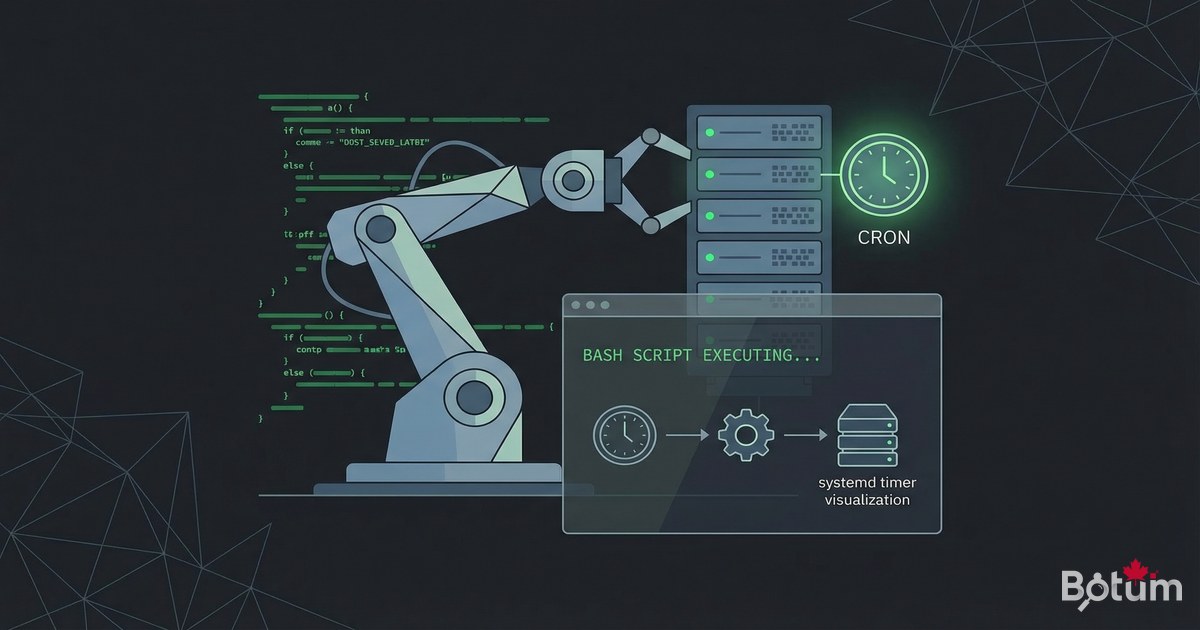
Self-hosted infrastructure is only truly efficient if it runs itself. In this article, I'll show you how I automate the BOTUM infrastructure: nightly backups, log rotation, Telegram alerts, and Docker updates — all with crons and bash scripts.
Crontab — The Foundation of Linux Automation
Cron is Linux's native task scheduler. It allows you to run any command or script at a specific time, repeatedly. The syntax has 5 fields:
# Crontab syntax:
# min  hour  day-of-month  month  day-of-week  command
# *    *     *             *      *            command

# Examples:
# 0 3 * * *     = Every day at 3:00 AM
# 0 */6 * * *   = Every 6 hours
# 30 8 * * 1    = Every Monday at 8:30 AM
# 0 0 1 * *     = 1st of every month at midnight
# */5 * * * *   = Every 5 minutes
# 0 4 * * 0,6   = Sat and Sun at 4:00 AM

# Edit your crontab:
crontab -e

# List active cron tasks:
crontab -l

# System crontab (runs as root):
sudo nano /etc/crontab
# or create a file in /etc/cron.d/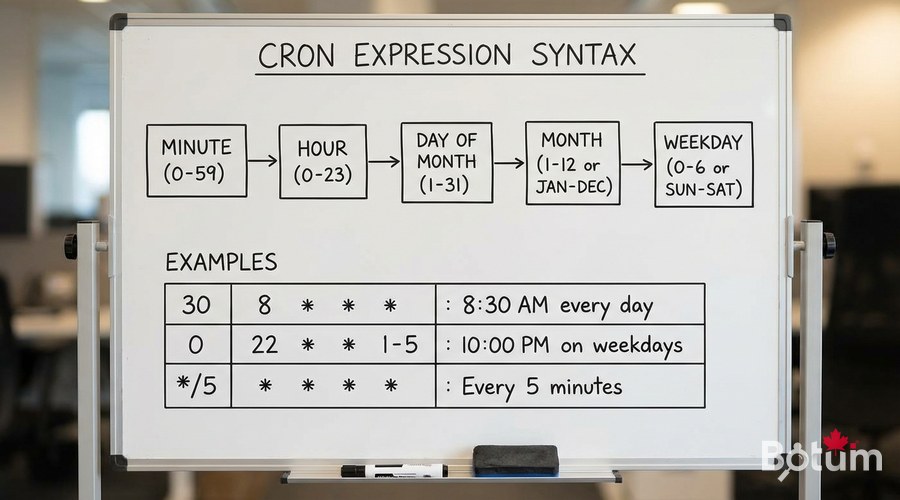
Docker Backup Script — Automate Backups
This script backs up all critical Docker volumes and sends a Telegram alert with the result:
#!/bin/bash
# /usr/local/bin/docker-backup.sh

set -euo pipefail

BACKUP_DIR="/backup/docker/$(date +%Y-%m-%d)"
LOG_FILE="/var/log/docker-backup.log"
TELEGRAM_TOKEN="YOUR_BOT_TOKEN"
TELEGRAM_CHAT="YOUR_CHAT_ID"
RETENTION_DAYS=7

mkdir -p "$BACKUP_DIR"

send_telegram() {
    curl -s -X POST "https://api.telegram.org/bot${TELEGRAM_TOKEN}/sendMessage"         -d chat_id="${TELEGRAM_CHAT}"         -d text="$1" -d parse_mode="HTML" > /dev/null
}

echo "$(date): Starting backup" | tee -a "$LOG_FILE"

# Backup Ghost Blog
tar czf "${BACKUP_DIR}/ghost-data.tar.gz"     /mnt/docker-data/ghost-blog/content/data/ &&     echo "OK: Ghost Blog" | tee -a "$LOG_FILE"

# Backup Vaultwarden
docker stop vaultwarden 2>/dev/null || true
cp ~/docker/vaultwarden/data/db.sqlite3     "${BACKUP_DIR}/vaultwarden.db" &&     echo "OK: Vaultwarden" | tee -a "$LOG_FILE"
docker start vaultwarden 2>/dev/null || true

TOTAL_SIZE=$(du -sh "$BACKUP_DIR" | cut -f1)
find /backup/docker -maxdepth 1 -type d -mtime +${RETENTION_DAYS} -exec rm -rf {} + 2>/dev/null

send_telegram "Backup OK $(date +%Y-%m-%d) - Size: ${TOTAL_SIZE}"
echo "$(date): Backup complete" | tee -a "$LOG_FILE"
Telegram Alert Function
#!/bin/bash
# /usr/local/bin/notify.sh - Reusable Telegram alert function

TELEGRAM_TOKEN="${TELEGRAM_BOT_TOKEN:-YOUR_TOKEN}"
TELEGRAM_CHAT="${TELEGRAM_CHAT_ID:-YOUR_CHAT}"

notify() {
    local level="$1"
    local message="$2"
    local hostname=$(hostname)
    local timestamp=$(date '+%Y-%m-%d %H:%M:%S')
    local icon="i"
    [[ "$level" == "WARNING" ]] && icon="[WARN]"
    [[ "$level" == "ERROR" ]] && icon="[ERROR]"
    [[ "$level" == "OK" ]] && icon="[OK]"
    local text="${icon} [${hostname}] ${level} ${timestamp} ${message}"
    curl -s -X POST "https://api.telegram.org/bot${TELEGRAM_TOKEN}/sendMessage"         -d "chat_id=${TELEGRAM_CHAT}" -d "text=${text}" > /dev/null 2>&1
}
export -f notify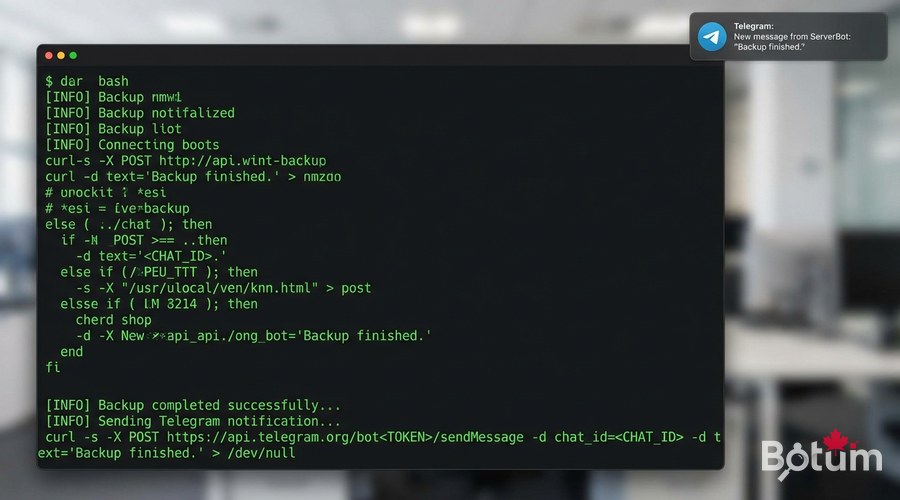
Docker Auto-Update Script
#!/bin/bash
# /usr/local/bin/docker-update.sh
source /usr/local/bin/notify.sh

COMPOSE_DIRS=(
    "$HOME/docker/zoraxy"
    "$HOME/docker/vaultwarden"
    "$HOME/docker/uptime-kuma"
)

UPDATED=0
for dir in "${COMPOSE_DIRS[@]}"; do
    if [[ -f "$dir/docker-compose.yml" ]]; then
        cd "$dir"
        if docker compose pull 2>&1 | grep -q "Downloaded newer"; then
            docker compose up -d
            UPDATED=$((UPDATED+1))
        fi
    fi
done
docker image prune -f
notify "OK" "Docker update: ${UPDATED} service(s) updated"
Log Rotation with Logrotate
# Configure logrotate for Docker logs
sudo nano /etc/logrotate.d/docker-logs
# Content:
# /var/lib/docker/containers/*/*.log {
#     daily
#     rotate 7
#     compress
#     missingok
#     notifempty
#     copytruncate
# }

# Limit Docker log size from the start
# In /etc/docker/daemon.json:
{
  "log-driver": "json-file",
  "log-opts": {
    "max-size": "10m",
    "max-file": "3"
  }
}
sudo systemctl restart docker
Systemd Timers — Modern Cron Alternative
# Create systemd service
sudo nano /etc/systemd/system/docker-backup.service
# [Unit]
# Description=Daily Docker Backup
# [Service]
# Type=oneshot
# User=ubuntu
# ExecStart=/usr/local/bin/docker-backup.sh

# Create systemd timer
sudo nano /etc/systemd/system/docker-backup.timer
# [Unit]
# Description=Daily Docker Backup Timer
# [Timer]
# OnCalendar=*-*-* 03:00:00
# Persistent=true
# [Install]
# WantedBy=timers.target

sudo systemctl daemon-reload
sudo systemctl enable docker-backup.timer
sudo systemctl start docker-backup.timer
systemctl list-timers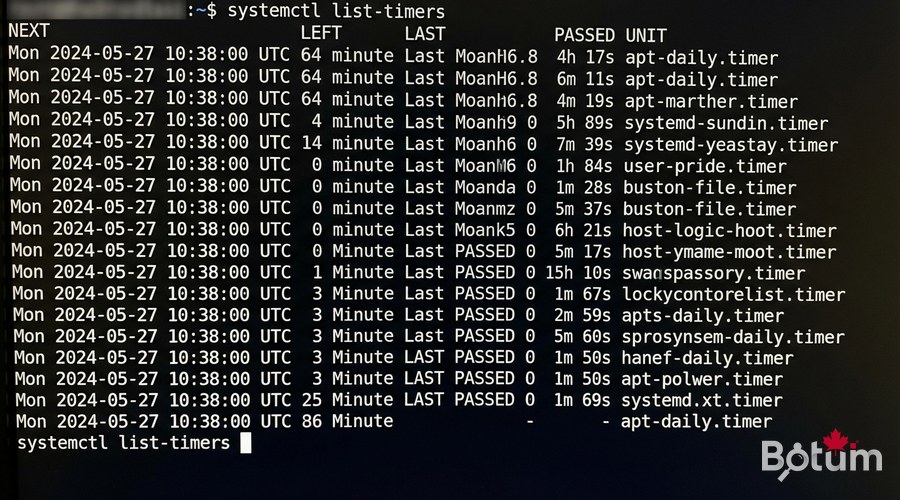
Full Crontab Configuration
# Add all scripts to crontab:
crontab -e

# Daily backup at 3:00 AM
0 3 * * * /usr/local/bin/docker-backup.sh >> /var/log/docker-backup.log 2>&1

# Docker update every Sunday at 4:00 AM
0 4 * * 0 /usr/local/bin/docker-update.sh >> /var/log/docker-update.log 2>&1

# Disk check every hour
0 * * * * /usr/local/bin/check-disk.sh

# Clean old logs every Monday
0 5 * * 1 find /var/log -name "*.log.gz" -mtime +30 -delete
Conclusion and Next Steps
Your infrastructure is now automated: nightly backups, proactive alerts, scheduled updates. In the final article of the series, we cover high availability and disaster recovery strategies — the ultimate level for a robust self-hosted infrastructure.
Téléchargez ce guide en PDF pour le consulter hors ligne.
⬇ Télécharger le guide (PDF)🚀 Aller plus loin avec BOTUM
Ce guide couvre les bases. En production, chaque environnement a ses spécificités. Les équipes BOTUM accompagnent les organisations dans le déploiement, la configuration avancée et la sécurisation de leur infrastructure. Si vous avez un projet, parlons-en.
Discuter de votre projet →
